

Best AI Tools for AI Art in 2026
Choose around the artwork you need to finish, then compare model access, editing control, privacy, and output rights.
Compare the tools
Turn a loose idea into a reviewable art brief.
Request: Create a surreal editorial illustration about urban heat.
Subject
A city block bending like a heat mirage around a single shaded tree.
Placement: Wide article header with room for a headline.
Composition
Keep the focal subject right of center and preserve quiet space on the left.
No hands-on product run or measured image-quality claim is represented.
This is an authored brief example, not a result generated or tested with a listed product.
Choose by the kind of control you need.
Explore styles and variations
Generate and edit in one workspace
Produce with broader model access
Compare each AI art workflow.
Eight tools checked against official product and pricing pages on September 17, 2026.
| Tool | Best fit | Starting material | Control | Output | Access | Check first |
|---|---|---|---|---|---|---|
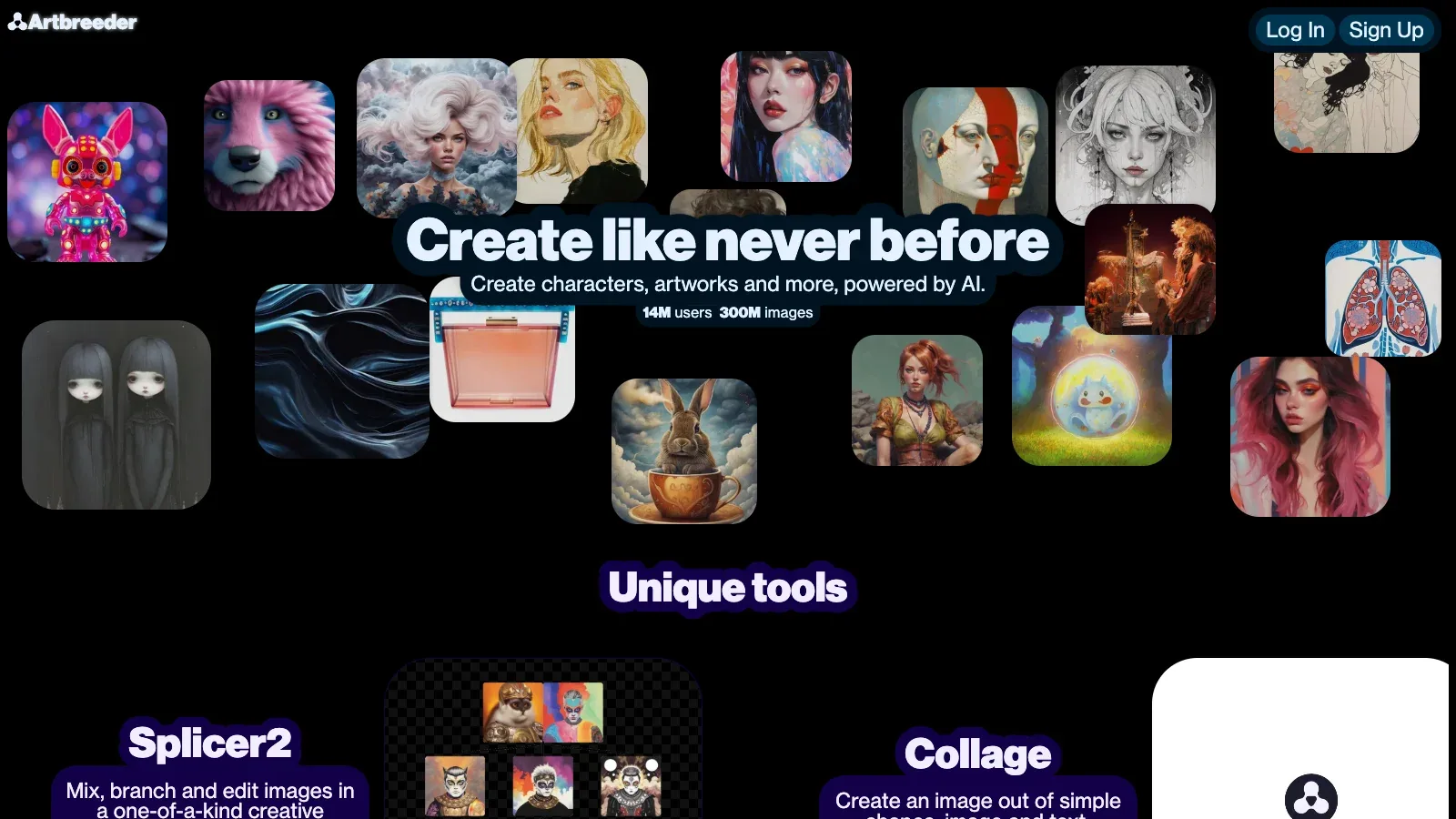
 Artbreeder Artbreeder | Mix and branch | Text and images | Plan-dependent tools | Image asset | Free or paid credits | Rights and limits |
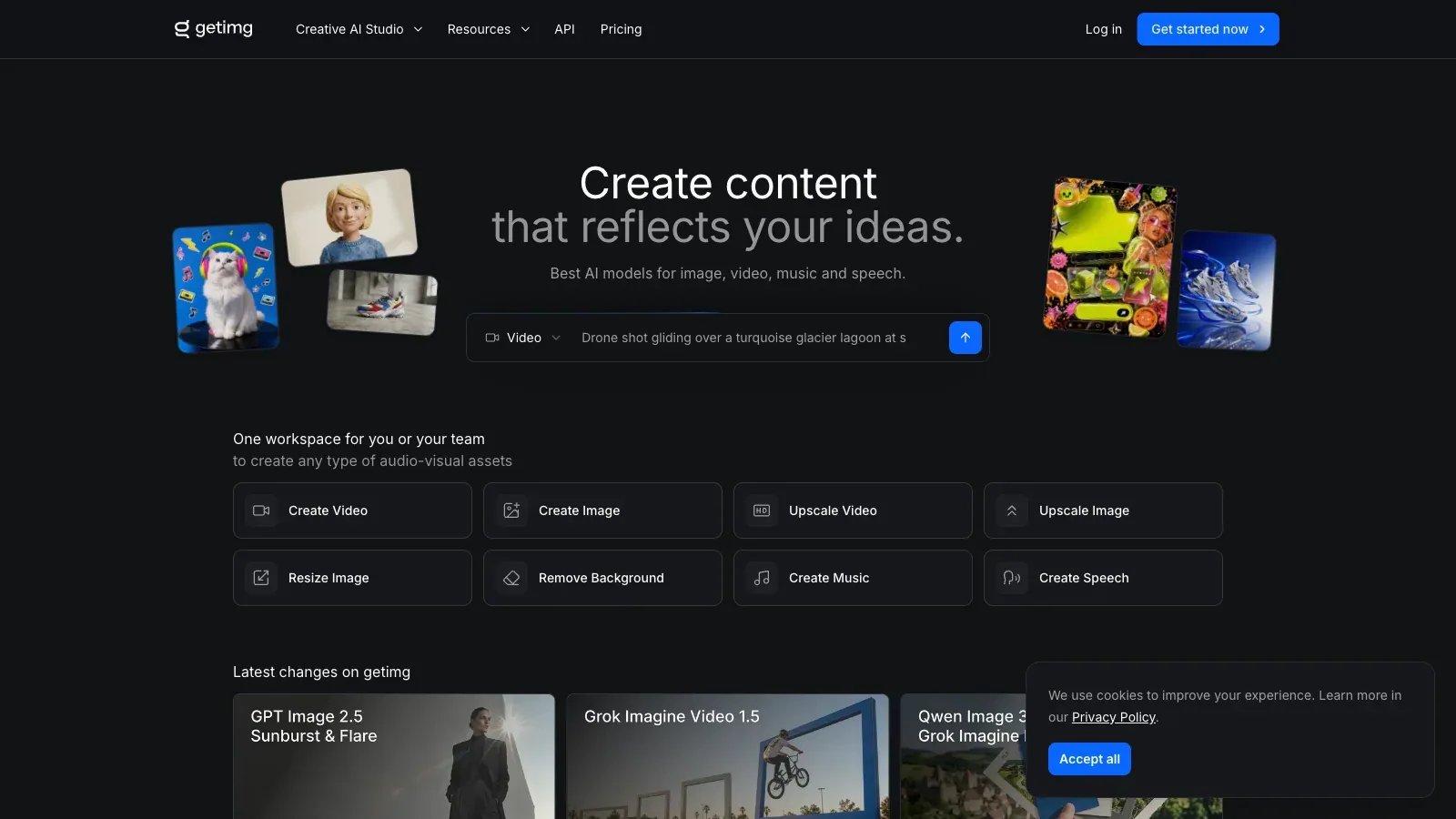
 getimg.ai getimg.ai | Generate and export | Text and images | Plan-dependent tools | Image asset | Free or paid credits | Rights and limits |
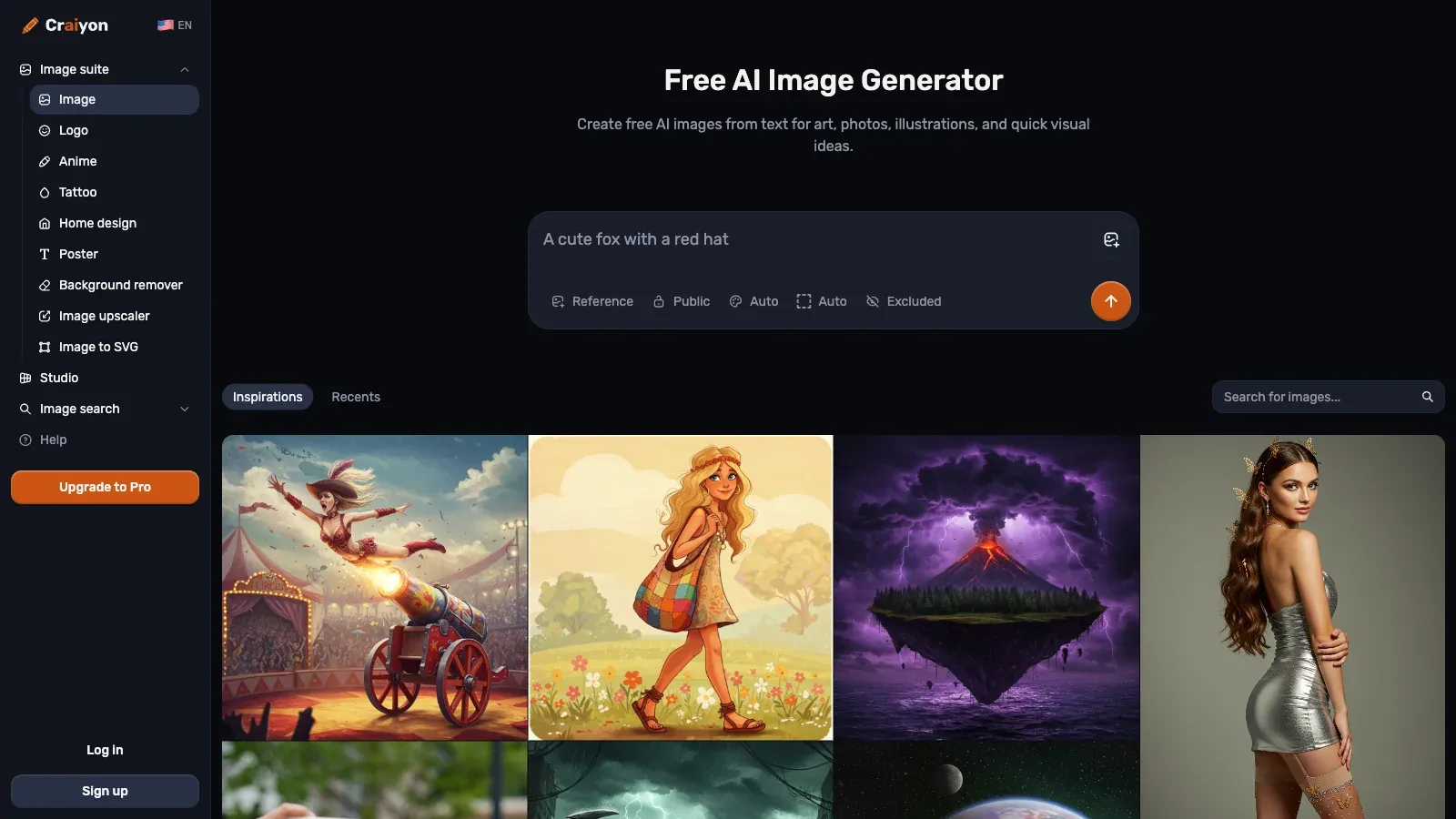
 Craiyon Craiyon | Fast ideation | Text and images | Plan-dependent tools | Image asset | Free or paid credits | Rights and limits |
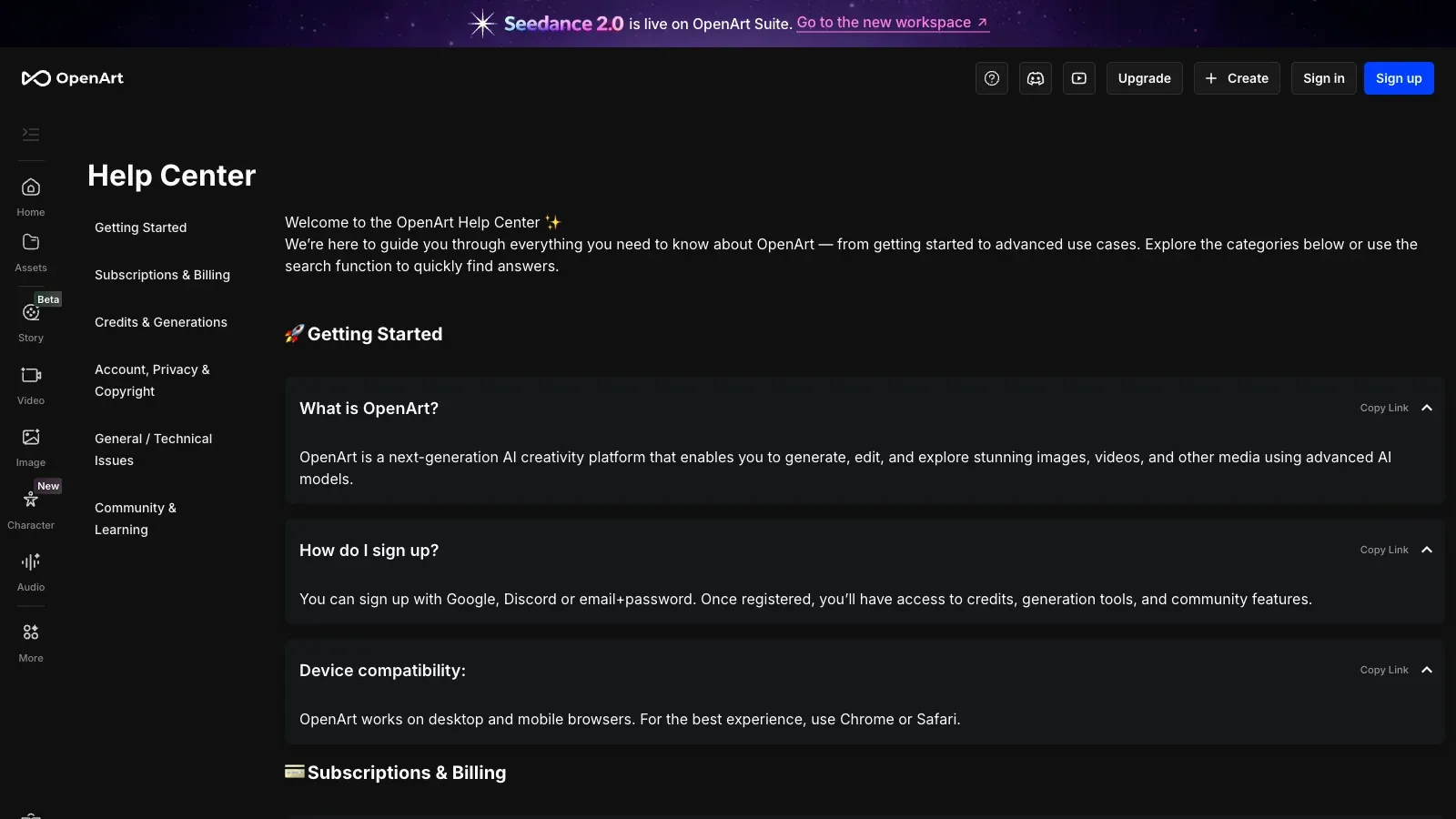
 OpenArt OpenArt | Create and edit | Text and images | Plan-dependent tools | Image asset | Free or paid credits | Rights and limits |
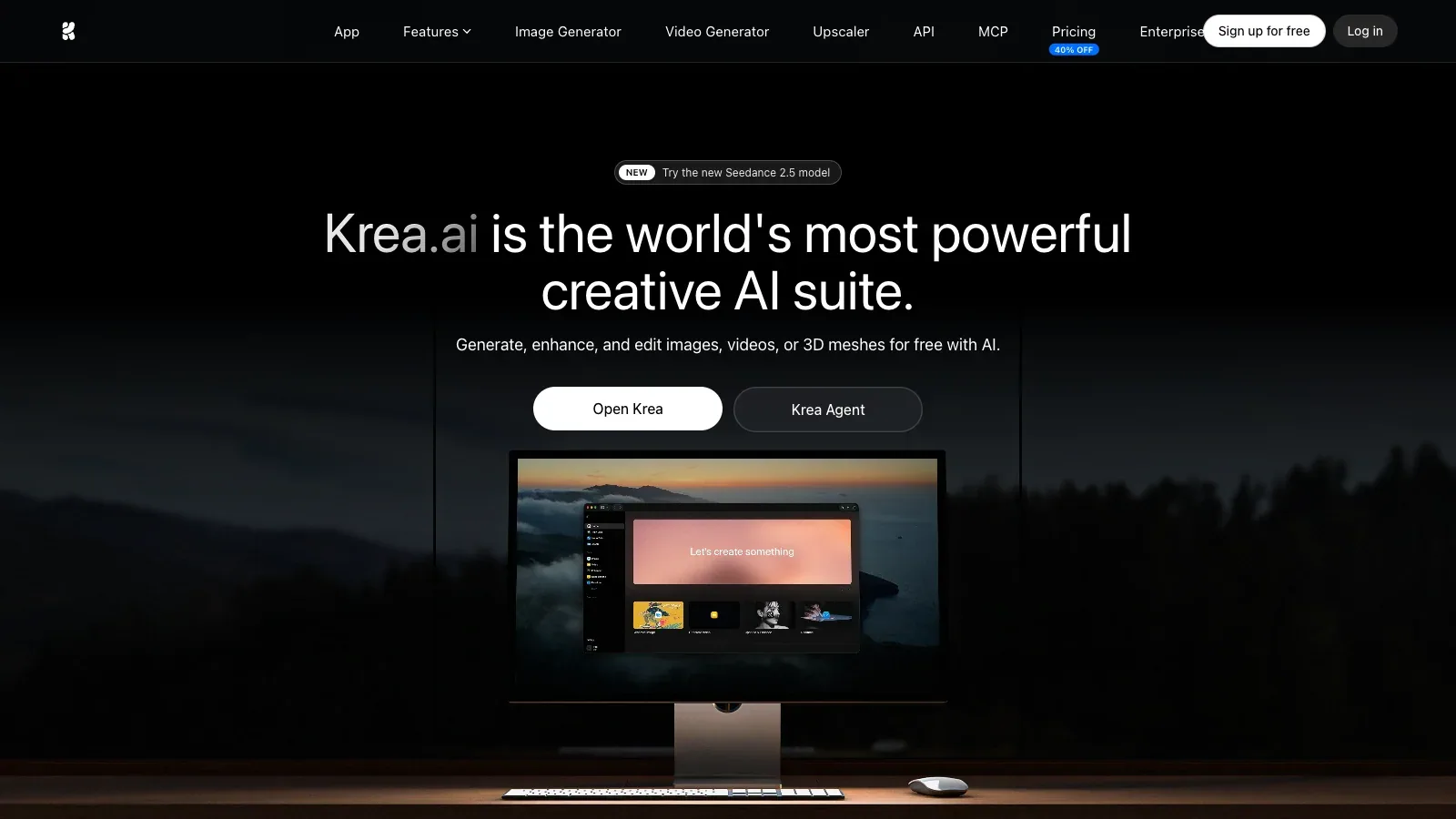
 Krea Krea | Real-time iteration | Text and images | Plan-dependent tools | Image asset | Free or paid credits | Rights and limits |
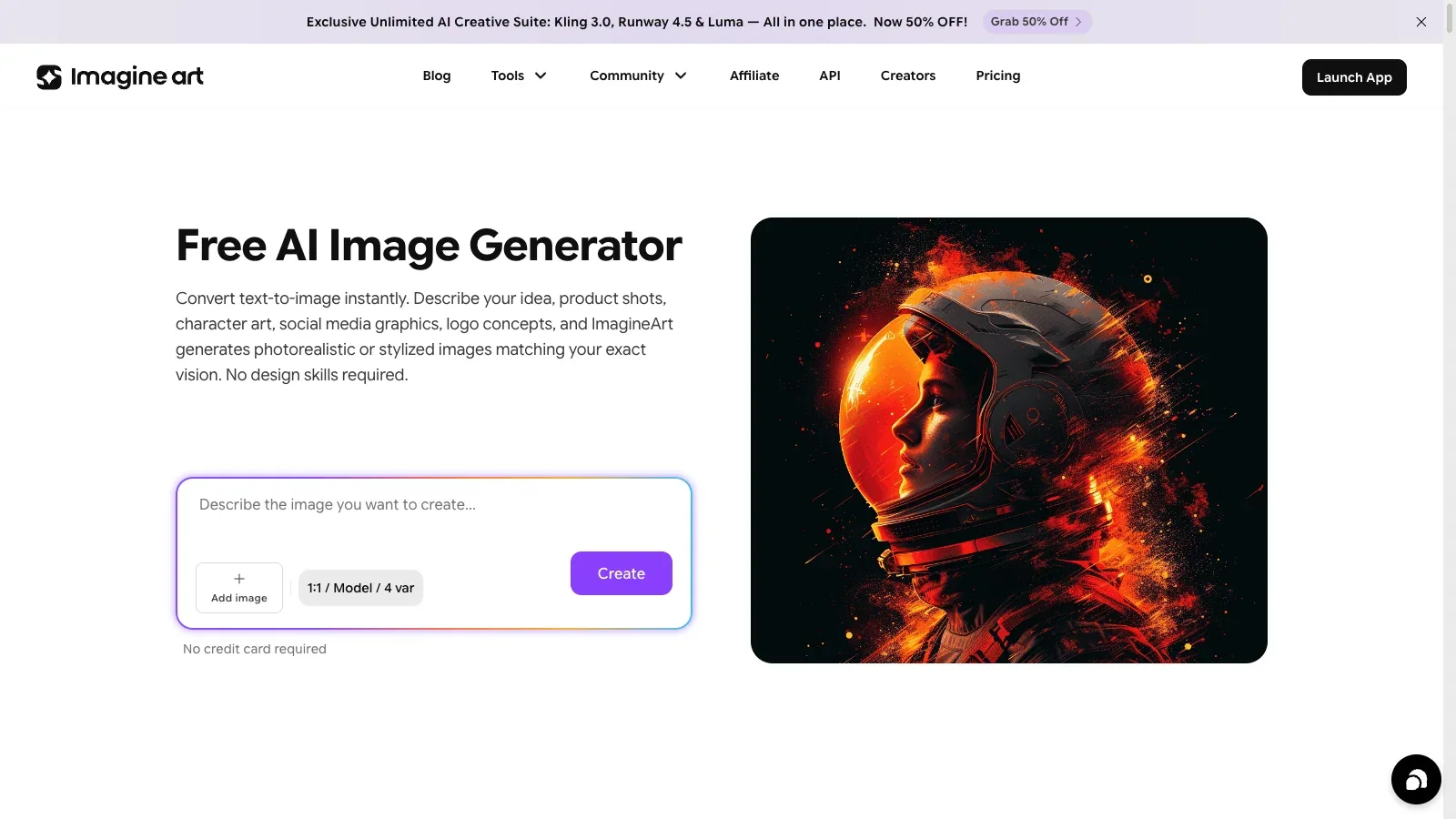
 ImagineArt ImagineArt | Model choice | Text and images | Plan-dependent tools | Image asset | Free or paid credits | Rights and limits |
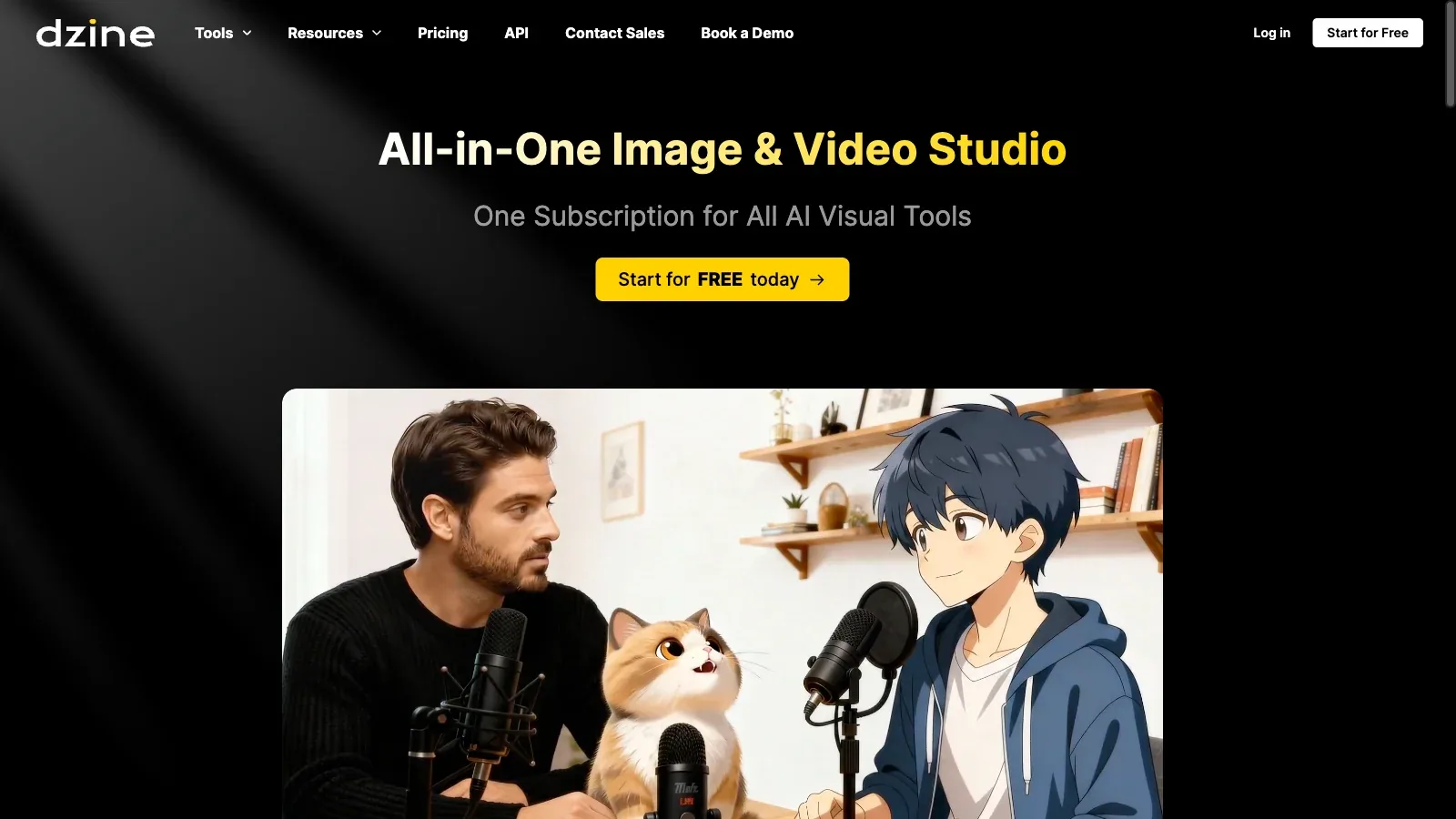
 Dzine Dzine | Edit and refine | Text and images | Plan-dependent tools | Image asset | Free or paid credits | Rights and limits |
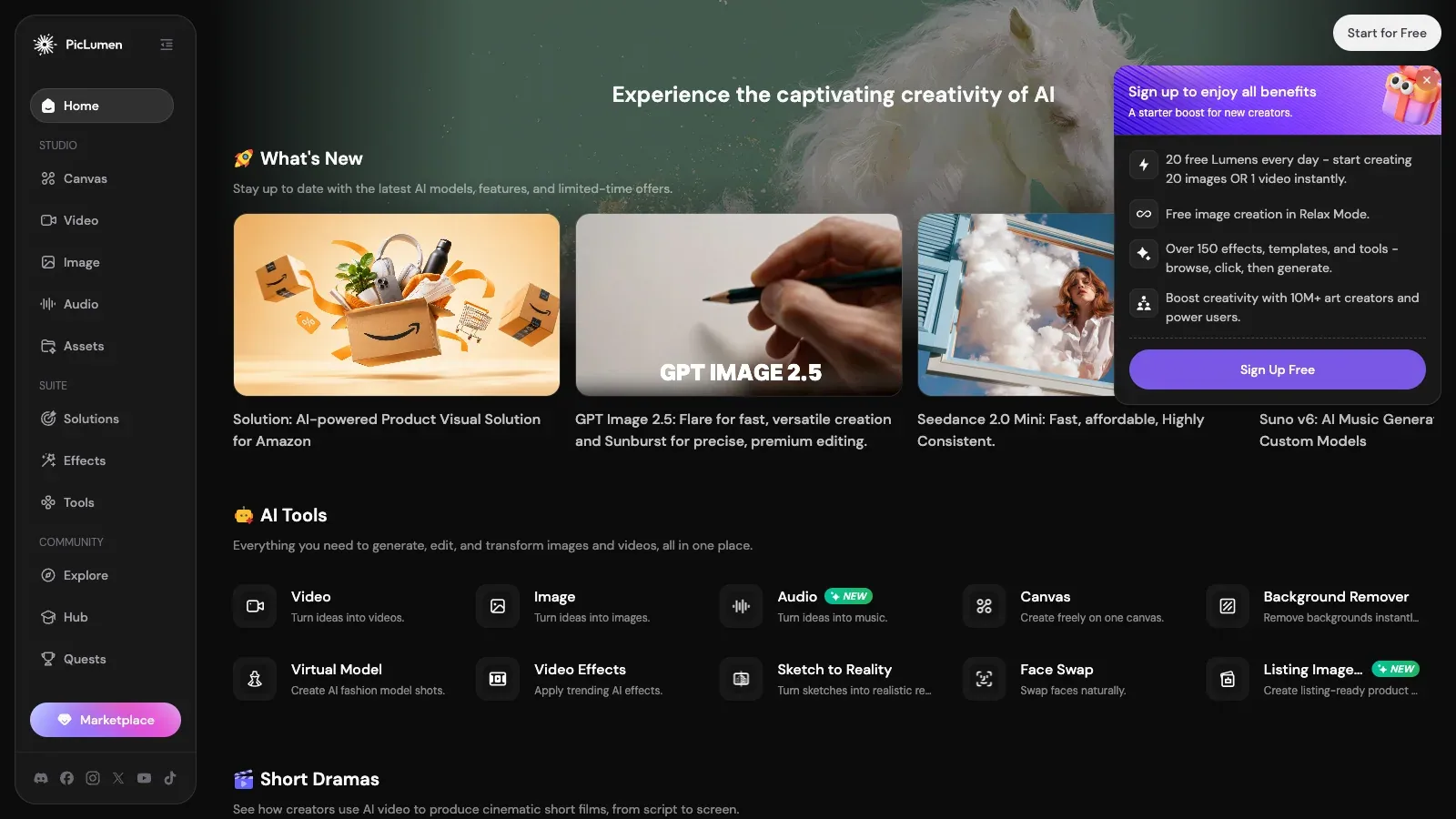
 PicLumen PicLumen | Canvas workflows | Text and images | Plan-dependent tools | Image asset | Free or paid credits | Rights and limits |
Where each tool fits.
Artbreeder
- $7.49/month
- $15.99/month
- $30.99/month
- Choose it when
- Artists and designers comparing documented creation controls.
- Think twice when
- Model access, credits, privacy, resolution, and licensing vary by plan.
- Before you start
- Confirm the selected model, output rights, and credit cost before generating.
getimg.ai
- $10/month
- $30/month
- $65/month
- $175/month
- Choose it when
- Artists and designers comparing documented creation controls.
- Think twice when
- Model access, credits, privacy, resolution, and licensing vary by plan.
- Before you start
- Confirm the selected model, output rights, and credit cost before generating.
Craiyon
- $120/year
- $240/year
- $840/year
- Choose it when
- Artists and designers comparing documented creation controls.
- Think twice when
- Model access, credits, privacy, resolution, and licensing vary by plan.
- Before you start
- Confirm the selected model, output rights, and credit cost before generating.
OpenArt
- $14/month
- $34/month
- $56/month
- $240/month
- Choose it when
- Artists and designers comparing documented creation controls.
- Think twice when
- Model access, credits, privacy, resolution, and licensing vary by plan.
- Before you start
- Confirm the selected model, output rights, and credit cost before generating.
Krea
- Free
- $9/month
- $35/month
- $105/month
- $200/month
- Choose it when
- Artists and designers comparing documented creation controls.
- Think twice when
- Model access, credits, privacy, resolution, and licensing vary by plan.
- Before you start
- Confirm the selected model, output rights, and credit cost before generating.
ImagineArt
- Free
- $9/month
- $30/month
- $50/month
- $250/month
- Choose it when
- Artists and designers comparing documented creation controls.
- Think twice when
- Model access, credits, privacy, resolution, and licensing vary by plan.
- Before you start
- Confirm the selected model, output rights, and credit cost before generating.
Dzine
- $8.99/month
- $24.99/month
- $59.99/month
- $149.99/month
- Choose it when
- Artists and designers comparing documented creation controls.
- Think twice when
- Model access, credits, privacy, resolution, and licensing vary by plan.
- Before you start
- Confirm the selected model, output rights, and credit cost before generating.
PicLumen
- $7.59/month
- $24.99/month
- $49.99/month
- $359.99/month
- Custom pricing
- Choose it when
- Artists and designers comparing documented creation controls.
- Think twice when
- Model access, credits, privacy, resolution, and licensing vary by plan.
- Before you start
- Confirm the selected model, output rights, and credit cost before generating.
The comparison uses documented capabilities and pricing, not a hands-on quality benchmark.
Move from an art brief to a checked export.
Define the visual job
Specify the subject, composition, palette, lighting, aspect ratio, and intended placement.
Compare model directions
Generate a small set of visibly different directions before committing credits to detail or resolution.
Refine one decision
Change framing, palette, lighting, or subject detail separately so you can judge the effect.
Inspect the image
Check anatomy, lettering, repeated patterns, edges, and relationships at the final display size.
Confirm delivery conditions
Verify dimensions, file format, privacy, licensing, and credit cost before exporting.
Write a compact AI art brief.
Keep the first pass broad enough to compare directions, then make one targeted revision at a time.
PURPOSE
Placement: [editorial, campaign, concept, product]
Dimensions and ratio: [details]

VISUAL
Subject and action: [description]
Composition: [framing and empty space]
Lighting and palette: [description]
Medium or style: [description]

CONSTRAINTS
Preserve: [critical elements]
Avoid: [unwanted elements]
Exact text or marks: [add separately]

REVIEW
Check: [anatomy, geometry, lettering, crop, rights]
Before export
Questions before choosing.
Which tool makes the best AI art?
There is no single documented winner. Choose by model access, reference controls, editing workflow, privacy, licensing, and the output format you need.
Can I use generated images commercially?
Commercial rights vary by provider, plan, model, and source material. Check the current terms for the exact workflow before delivery.
Why compare editing tools as well as generators?
A useful final image often needs targeted changes, upscaling, background work, or layout adjustments after the first generation.
Do listed prices include every generation cost?
No. Credit use can vary by model, resolution, output count, speed, and editing action even within one subscription.