
Best AI Tools for Code Completion in 2026
Compare 8 coding tools, choose the right interaction model, and test suggestions before they enter your branch.
Compare the tools
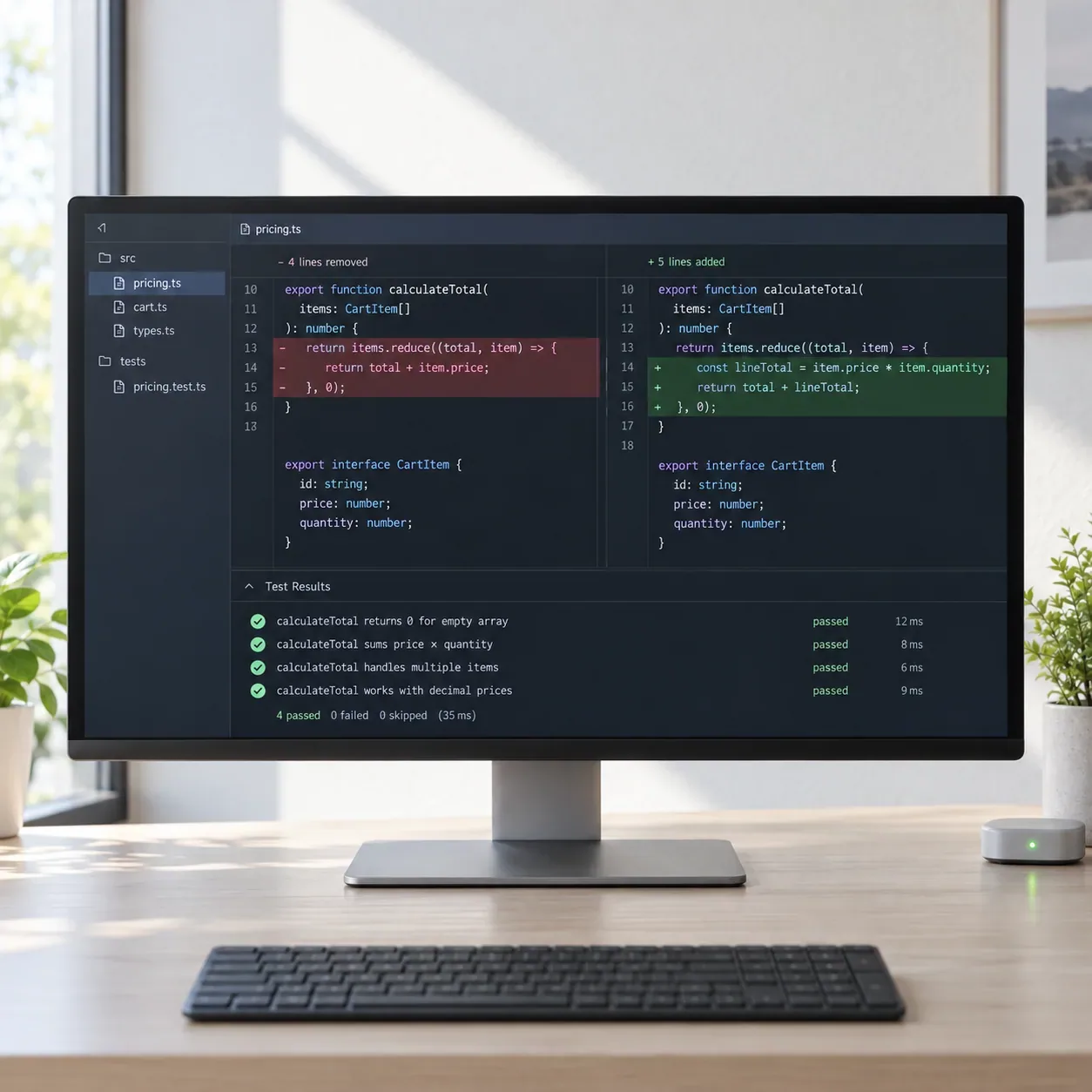
From a half-written function to a checked change.
Goal: Complete a parser that accepts an optional timeout and returns a typed configuration object.
Suggested implementation
A small diff follows the neighboring parser pattern and keeps the current default.
Constraints: Preserve existing defaults, reject negative values, and do not add a dependency.
Edge-case check
Tests cover omitted, valid, zero, and negative timeout values.
Evidence: Existing types, neighboring parsers, and focused unit tests.
Decision
Commit only after focused tests and normal repository checks pass.
Illustrative workflow, not a measured product test.
A useful completion is a small, understandable change with evidence, not the number of tokens generated.
8 tools. Choose by interaction model.
Prioritize inline suggestions
Use an AI-first editor or hosted workspace

Cursor
Use one editor for multi-line prediction, codebase chat, and broader agent-driven changes.

Replit Agent
Use Agent and Assistant where code, runtime, deployment, and collaboration already live together.

Void
Choose a VS Code-based editor that emphasizes model choice and local control.

Zed
Use a performance-focused editor with inline assistance, agent features, and collaboration.

PearAI
Use a VS Code-based interface with hosted, bring-your-own-key, or local model paths.
Plan and execute a bounded task
Compare what affects daily coding.
8 tools for code completion · official sources rechecked September 17, 2026
| Tool | Best fit | Where it runs | Context | Access and cost | First caution |
|---|---|---|---|---|---|
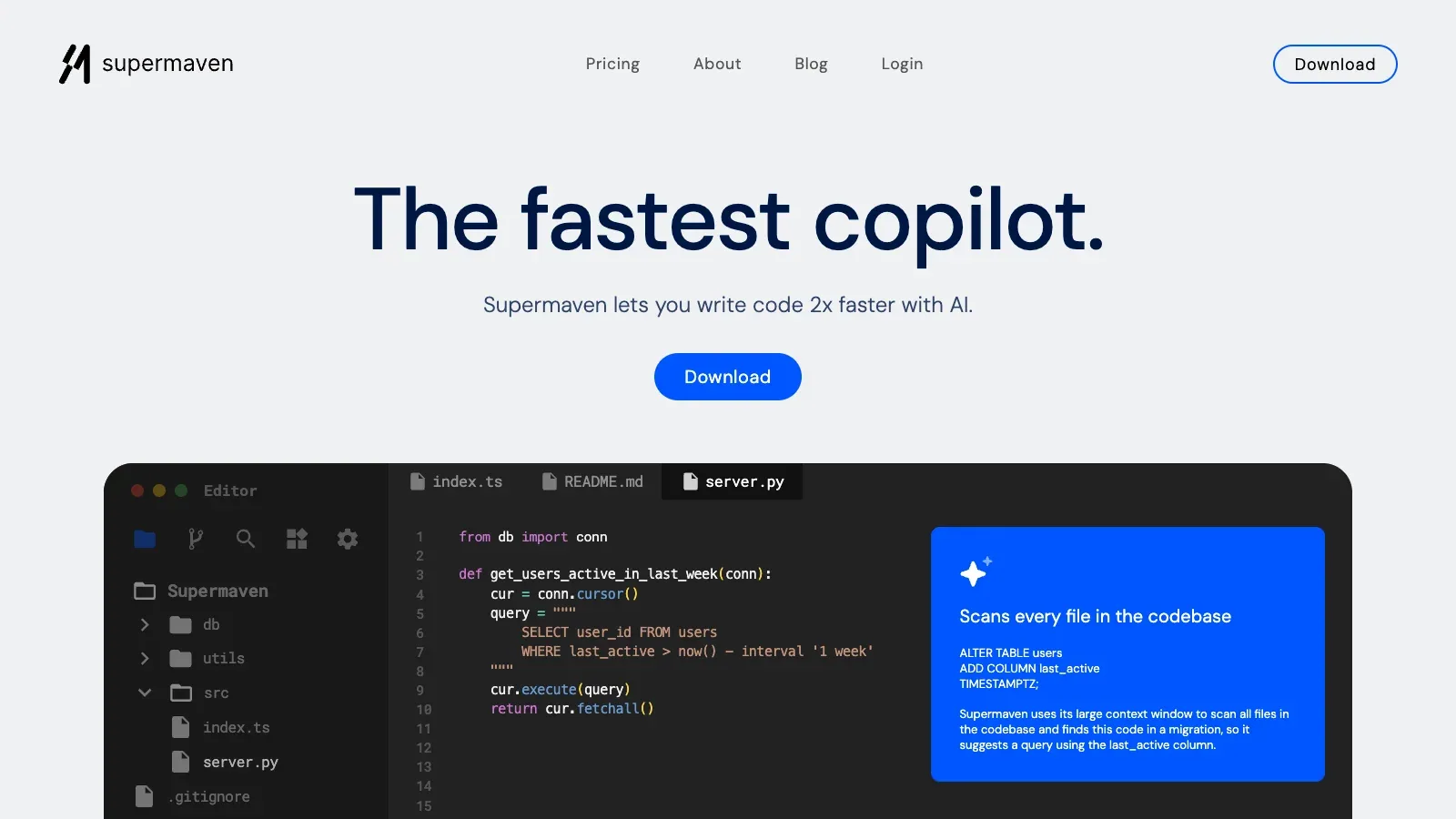
 Supermaven Supermaven | Fast inline completion | Supported code editors | Large code context | Free, Pro, and Team plans | Review generated imports and assumptions |
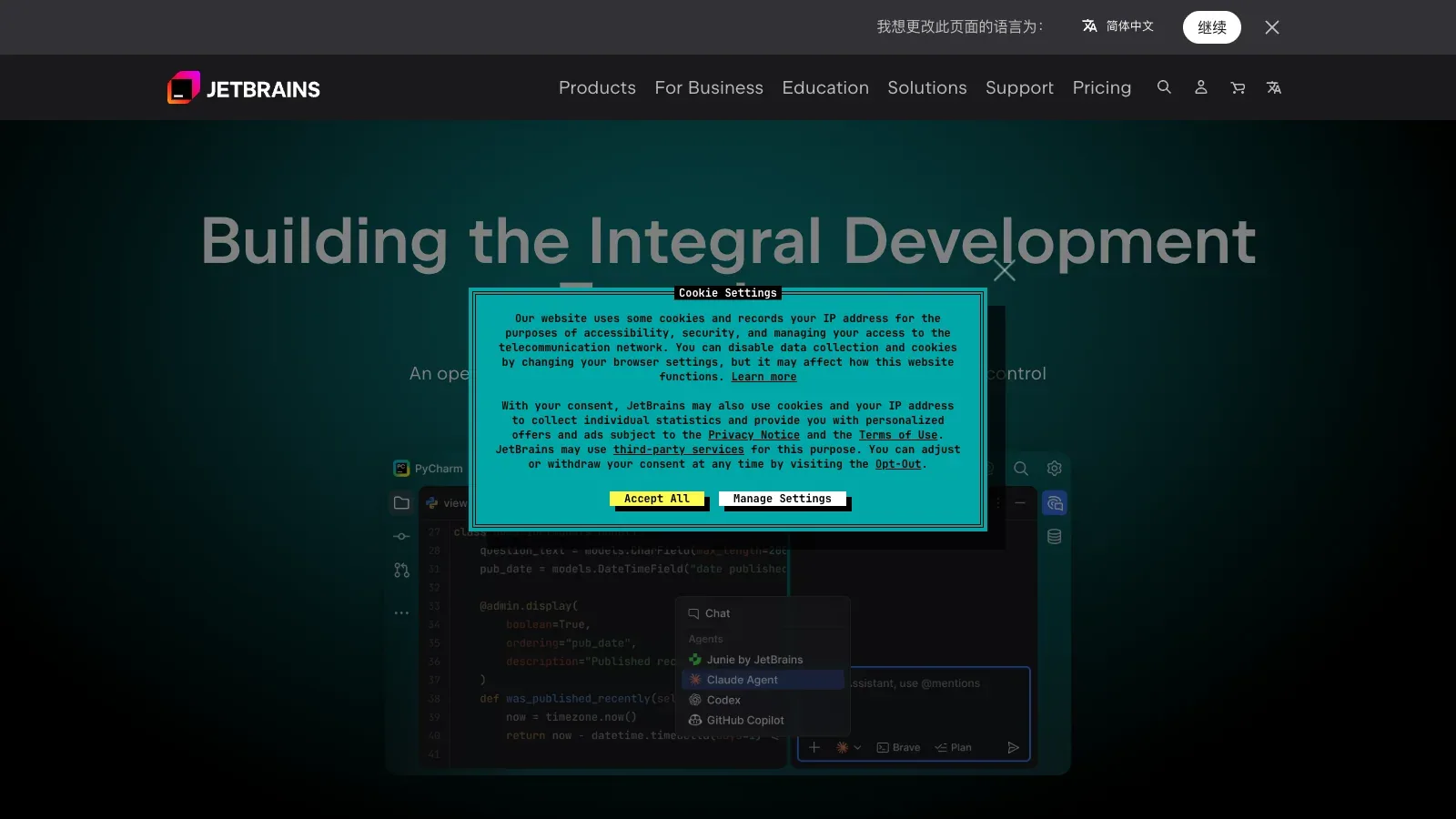
 JetBrains AI Assistant JetBrains AI Assistant | JetBrains-native assistance | JetBrains IDEs | Project and editor context | AI Free, Pro, Ultimate, and Enterprise | Keep IDE inspections and tests enabled |
| Cursor | Completion plus coding agents | Cursor editor | Codebase-aware editing | Hobby, individual, team, and enterprise tiers | Separate quick completions from large agent diffs |
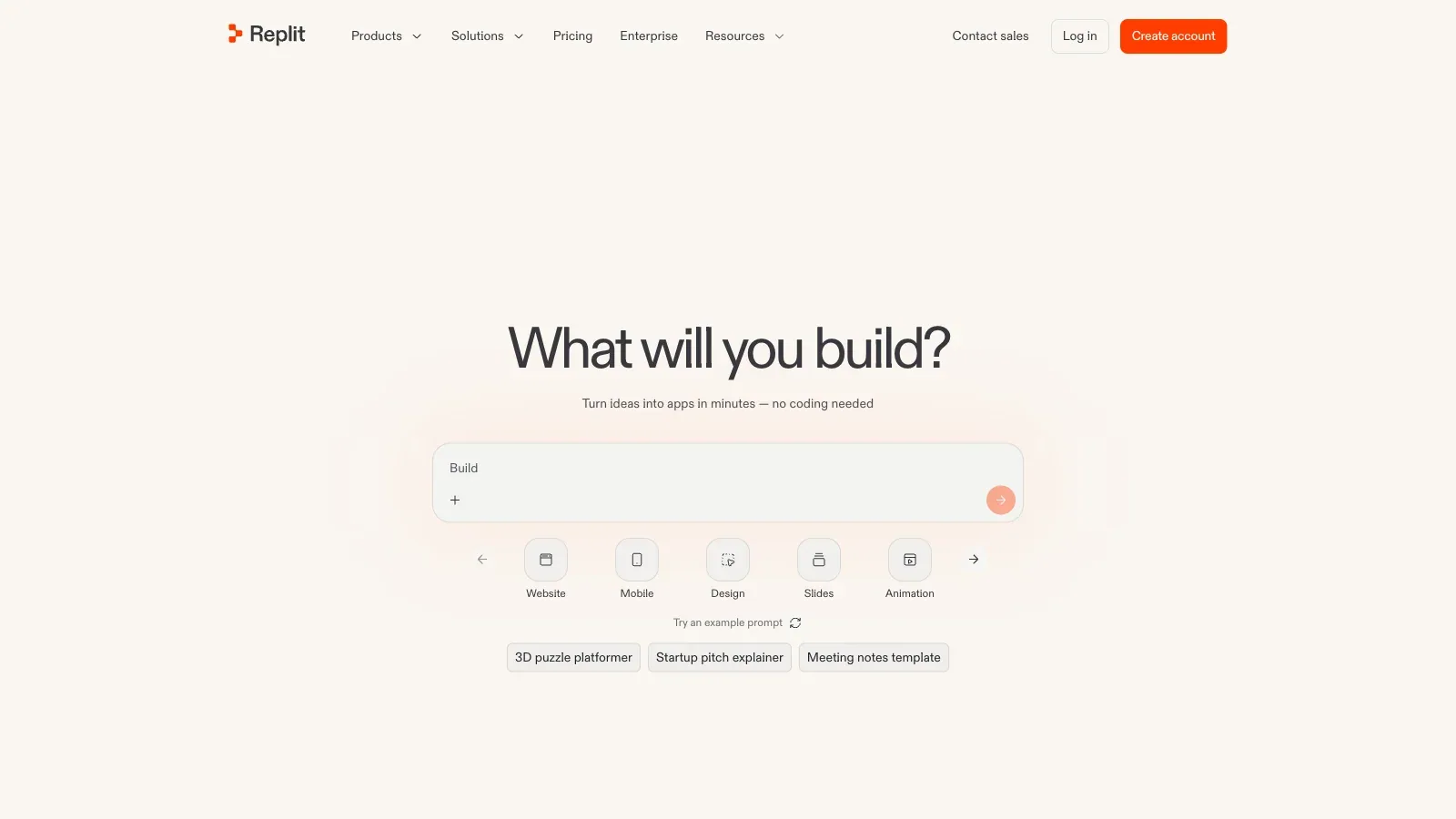
| Replit Agent | Hosted build-and-run workflow | Replit workspace | Project and runtime context | Starter, Core, and Teams | Watch credit use and exported project state |
| Void | Open-source AI editor | Desktop editor | Files and codebase context | Free editor; model costs separate | Validate provider and data settings |
| Zed | Fast editor with AI workflows | Zed desktop editor | Editor and project context | Free and paid usage options | Confirm platform and model availability |
| PearAI | Open editor with flexible models | PearAI desktop editor | Files, folders, terminal, and retrieved code | Open source or hosted subscription | Compare total model cost, not editor price alone |
 Cline Cline | Plan-first coding agent | Editors and CLI | Workspace, tools, and model context | Free open source; inference billed separately | Review permissions, commands, and multi-file diffs |
A closer look at 8 coding tools.
Supermaven
- Free
- $10/month
- Choose it when
- Developers who want predictive edits while remaining in control of each accepted change.
- Think twice when
- Completion quality still depends on available context and the selected model or plan.
- Before you start
- Try a repeated project pattern and compare accepted suggestions with the repository style.
JetBrains AI Assistant
- Free
- $100/year
- $300/year
- Custom pricing
- Choose it when
- Teams already standardized on IntelliJ-based IDEs.
- Think twice when
- Availability and allowances vary by JetBrains AI plan.
- Before you start
- Confirm IDE compatibility and test completion on a typed project with existing inspections enabled.
Cursor
- Free
- ₹649/month
- $20/month
- $60/month
- $200/month
- $40/month
- $120/month
- Custom pricing
- Choose it when
- Developers willing to adopt a VS Code-based editor for both completion and agent tasks.
- Think twice when
- Usage allowances and model access differ across individual and business plans.
- Before you start
- Import a disposable project and measure accepted completions before enabling broader agent actions.

Replit Agent
- $18/month
- $90/month
- Custom pricing
- Choose it when
- Builders who prefer a browser-based development environment.
- Think twice when
- Agent work can consume usage credits, and hosted workflows differ from local repositories.
- Before you start
- Prototype one small feature and inspect both generated files and runtime behavior.
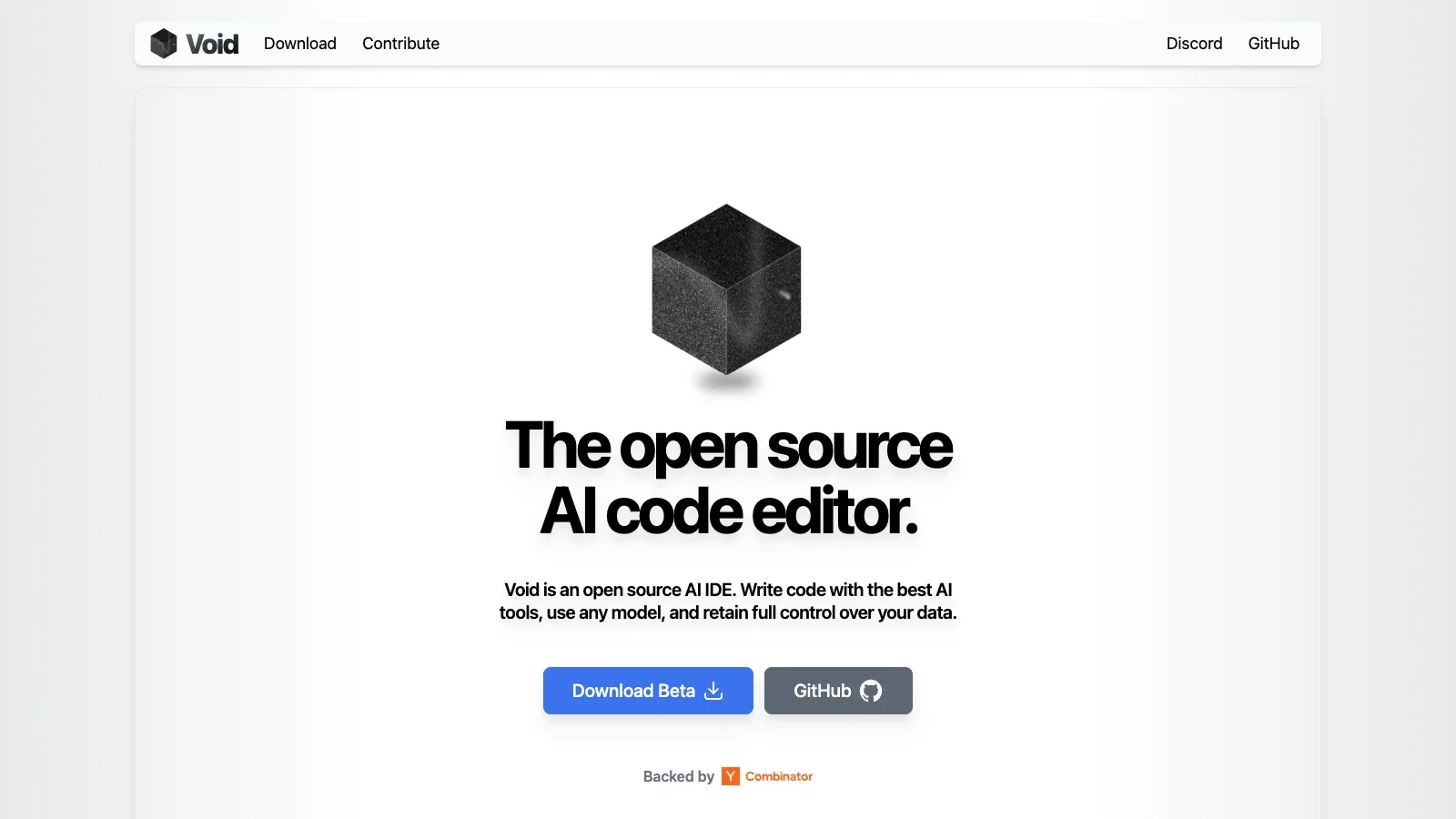
Void
- Free
- Choose it when
- Developers prepared to configure providers or local models.
- Think twice when
- Model cost, latency, and privacy depend on the provider configuration.
- Before you start
- Configure one provider, open a small repository, and verify every applied diff.
Zed
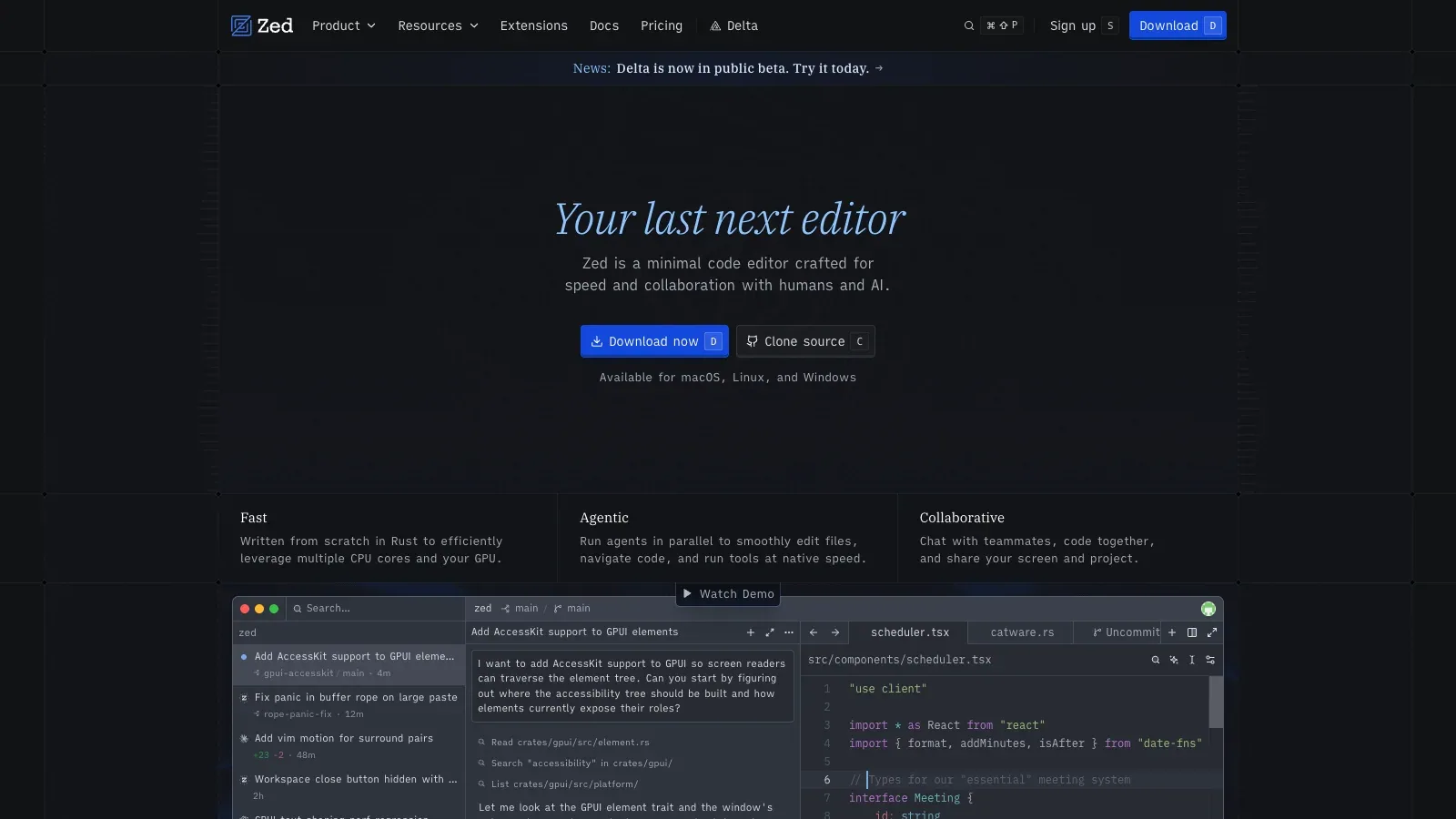
- Free
- $10/month
- $30/month
- Choose it when
- Developers comparing editor responsiveness alongside AI capability.
- Think twice when
- Platform support and hosted-model allowances should be checked before migration.
- Before you start
- Open a representative repository and test completion, diagnostics, and keybindings together.
PearAI
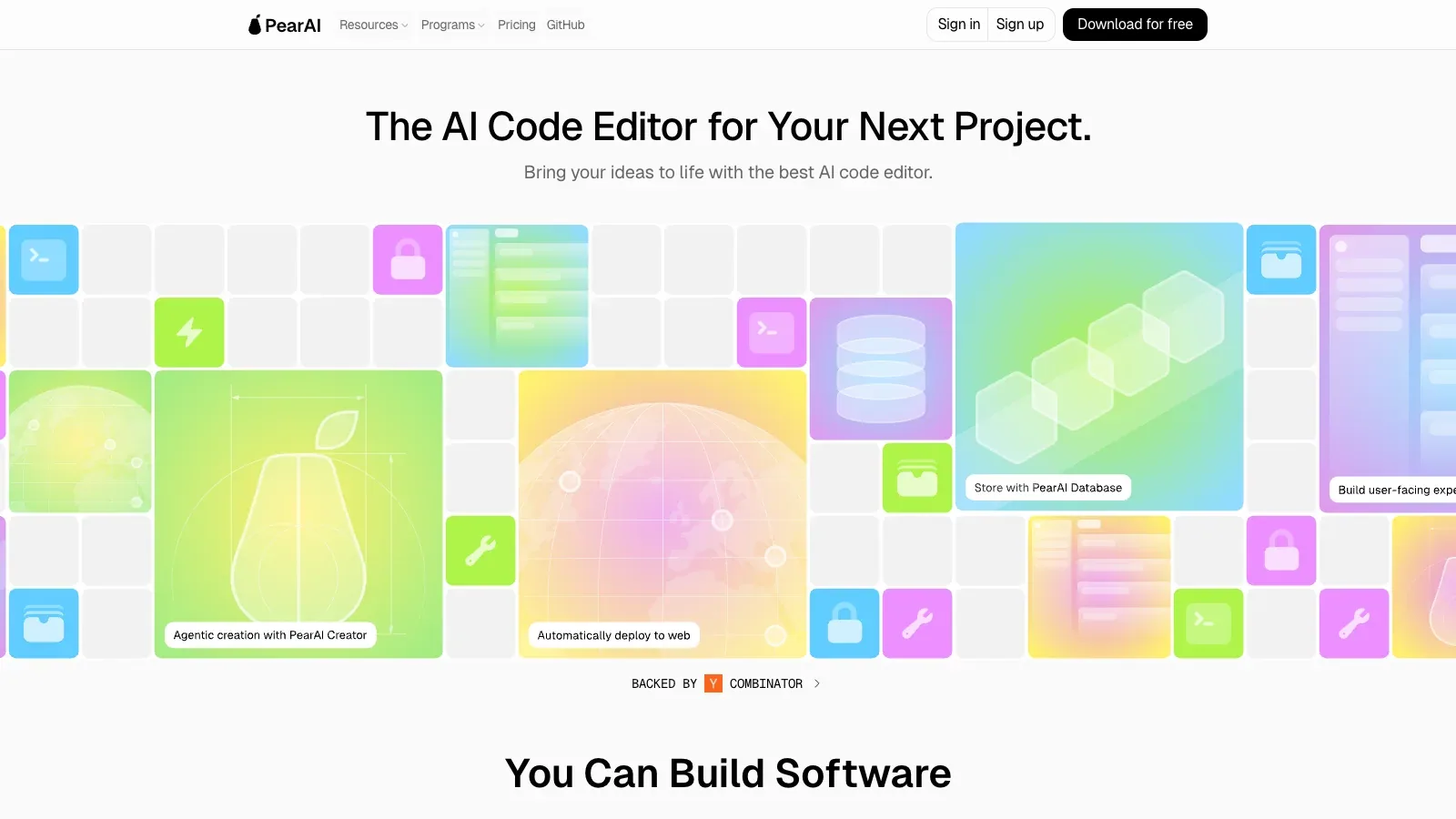
- Free
- $15/month
- Choose it when
- Developers who want an open-source editor and several model setup choices.
- Think twice when
- The hosted subscription and external provider charges use different billing paths.
- Before you start
- Decide between local, own-key, and hosted models before testing completions.
Cline
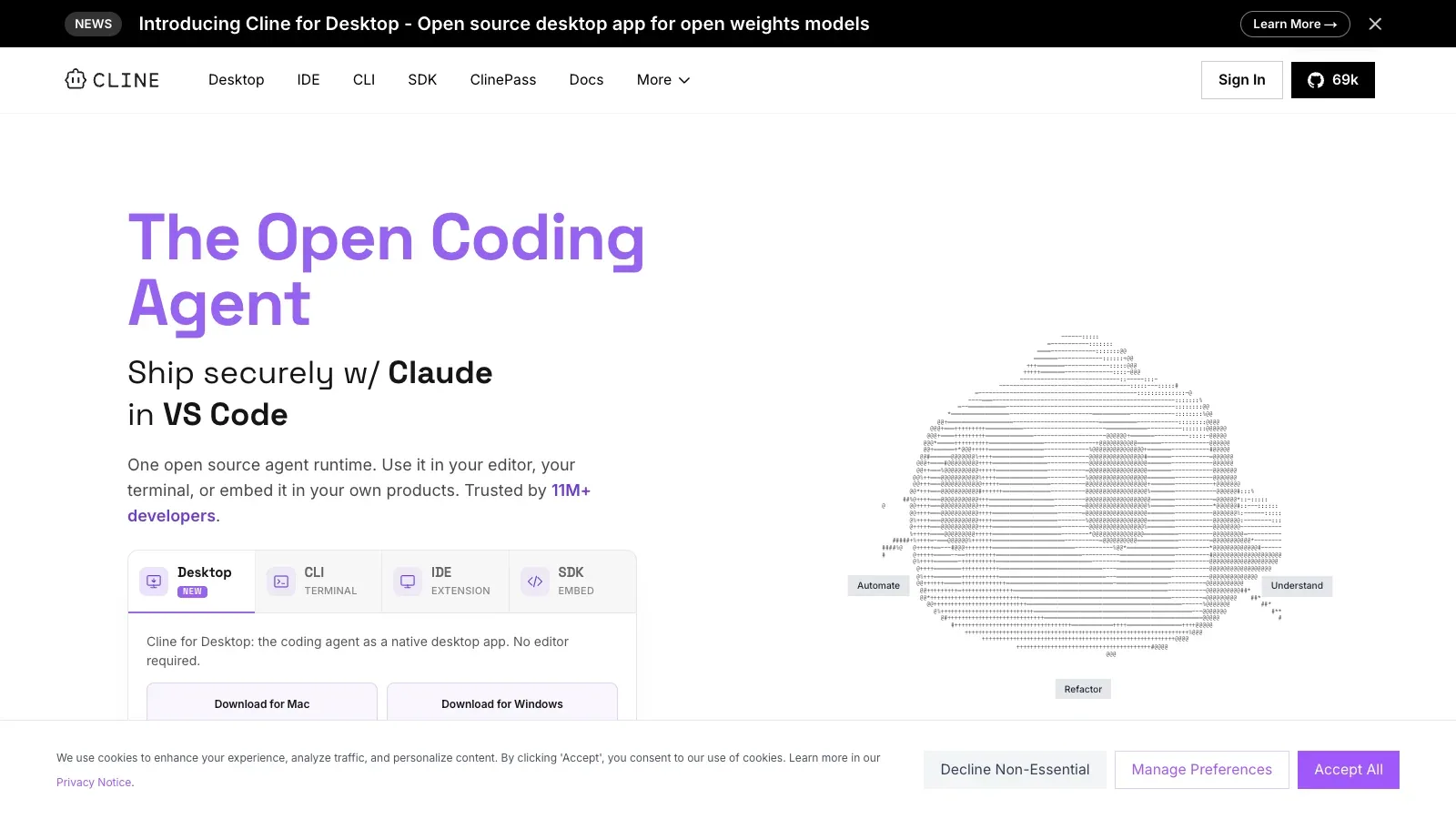
- Free
- Custom pricing
- Choose it when
- Developers who need an agent rather than passive next-line prediction.
- Think twice when
- Inference is usage-based, and autonomous actions require deliberate permission review.
- Before you start
- Give Cline a narrow task, inspect the plan, and approve only the commands and edits you understand.
Documented capabilities and pricing describe fit; they do not establish completion accuracy on your repository.
Test a completion tool without surrendering the branch.
Choose a representative task
Pick a change small enough to review but real enough to expose project conventions. Write expected behavior, edge cases, and commands that decide success.
Control the context
Open only relevant files, add project instructions, and remove secrets. For an agent, review its proposed plan and permissions before it runs commands.
Generate one bounded change
Accept inline suggestions selectively or ask the agent for a narrow diff. Stop when it broadens scope, adds an unexplained dependency, or rewrites unrelated code.
Read the diff as code
Check control flow, types, imports, error handling, data boundaries, and compatibility. Compare the result with neighboring code instead of trusting fluent output.
Run evidence-producing checks
Execute focused tests first, then formatting, linting, type checks, builds, and security checks required by the repository. Review the final diff after automated fixes.
Record the adoption decision
Note accepted suggestions, rejected patterns, latency, cost, and missing context. Repeat the same task shape across finalists before choosing a team default.
Prepare a bounded completion brief.
Keep the request narrow enough that one developer can understand the complete diff.
TASK
Intended behavior: [one outcome]
Relevant files: [paths]
Existing pattern to follow: [reference]
Constraints: [APIs, dependencies, security rules]

ACCEPTANCE CHECKS
Focused tests: [commands]
Repository checks: [commands]
Edge cases: [cases]

REVIEW
Inspect every changed line.
Reject invented APIs, hidden scope expansion, and unexplained dependencies.
Record assumptions and anything the tool could not verify.
Before committing
Questions before choosing.
Is an agent the same as inline code completion?
No. Inline completion predicts edits in the current flow; an agent may inspect files, plan work, run commands, and change several files. Compare them as different interaction models.
Which tool is best for a large existing codebase?
Start with context access, repository indexing, and review controls, then test a real task. A large advertised context window does not prove the tool selects the right context.
Can generated code be committed when tests pass?
Tests are necessary evidence, not the whole review. Inspect security boundaries, business rules, maintainability, and any behavior the test suite does not cover.
How should I compare pricing?
Include editor subscriptions, model inference, usage credits, team seats, and the cost of reviewing larger diffs. Free software can still incur model charges.
Should the tool receive terminal access?
Grant only what the bounded task needs. Read proposed commands, use a disposable branch or environment, and keep credentials outside the tool's context.
What should a team measure during a pilot?
Track accepted suggestions, rejected defects, review time, latency, usage cost, and failures on representative tasks. Avoid judging a tool from a polished demo alone.