

Best AI Tools for Keyword Research in 2026
Compare 8 research workflows and turn a keyword list into pages worth creating.
Explore the guide
A keyword list becomes a page decision.
Business: A bicycle repair shop serves commuters in one city.
Service page
Map repair-price queries to the existing puncture repair page.
Seeds: Bicycle puncture repair, repair cost, and emergency bike repair.
Guide
Evaluate a guide to what to do after a puncture.
Boundary: The shop does not offer roadside pickup.
Excluded
Remove roadside pickup queries from the queue.
Authored planning example. No product run, keyword volume, or ranking result is represented.
Business fit eliminates a misleading topic before search volume influences the decision.
Choose the research bottleneck.
Explore SEO data and competing pages

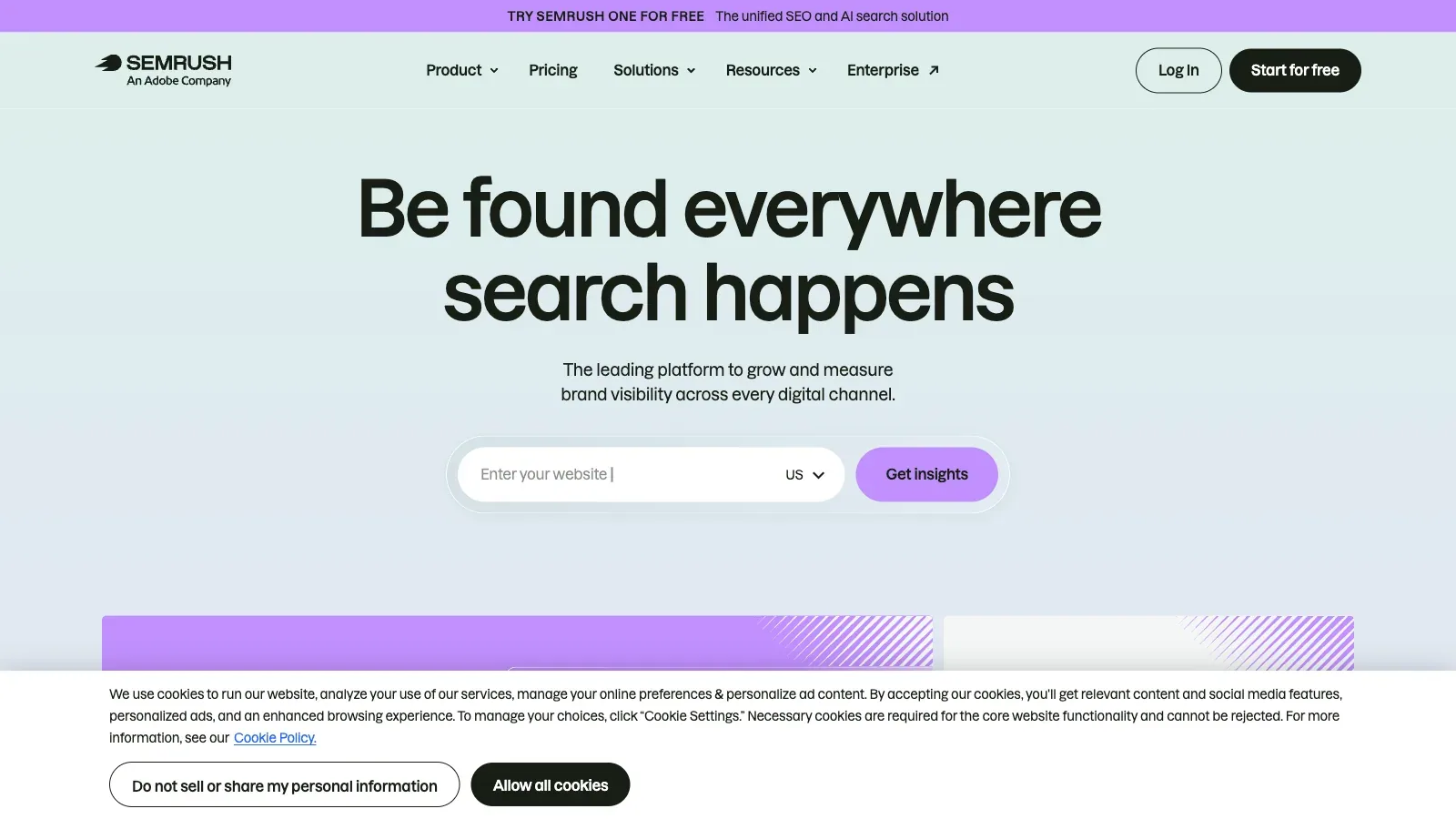
Semrush
Use keyword metrics alongside site, competitor, and AI visibility research.

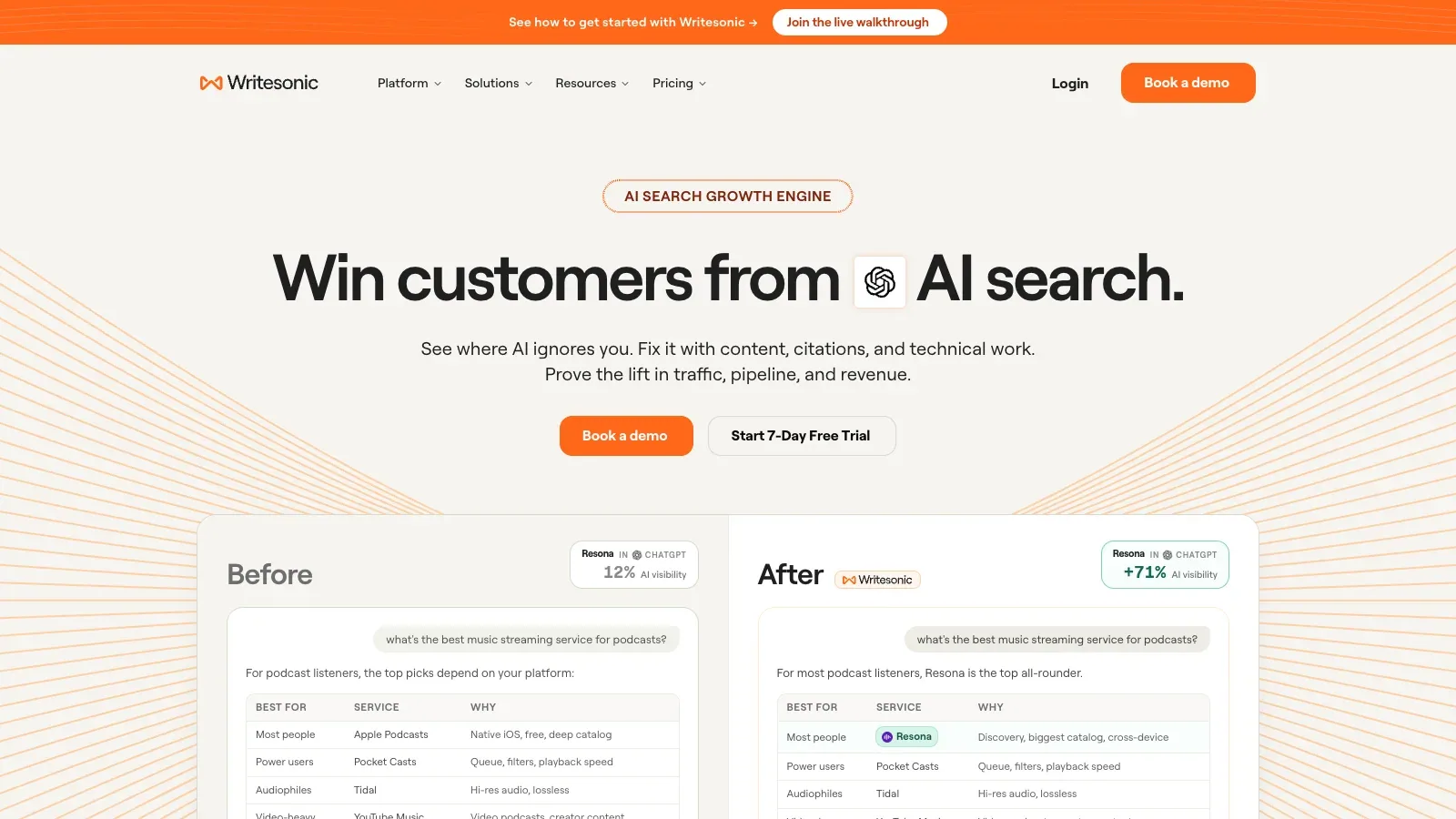
Writesonic
Use the article workflow when research, competitor context, outlining and drafting need to stay in one pipeline.

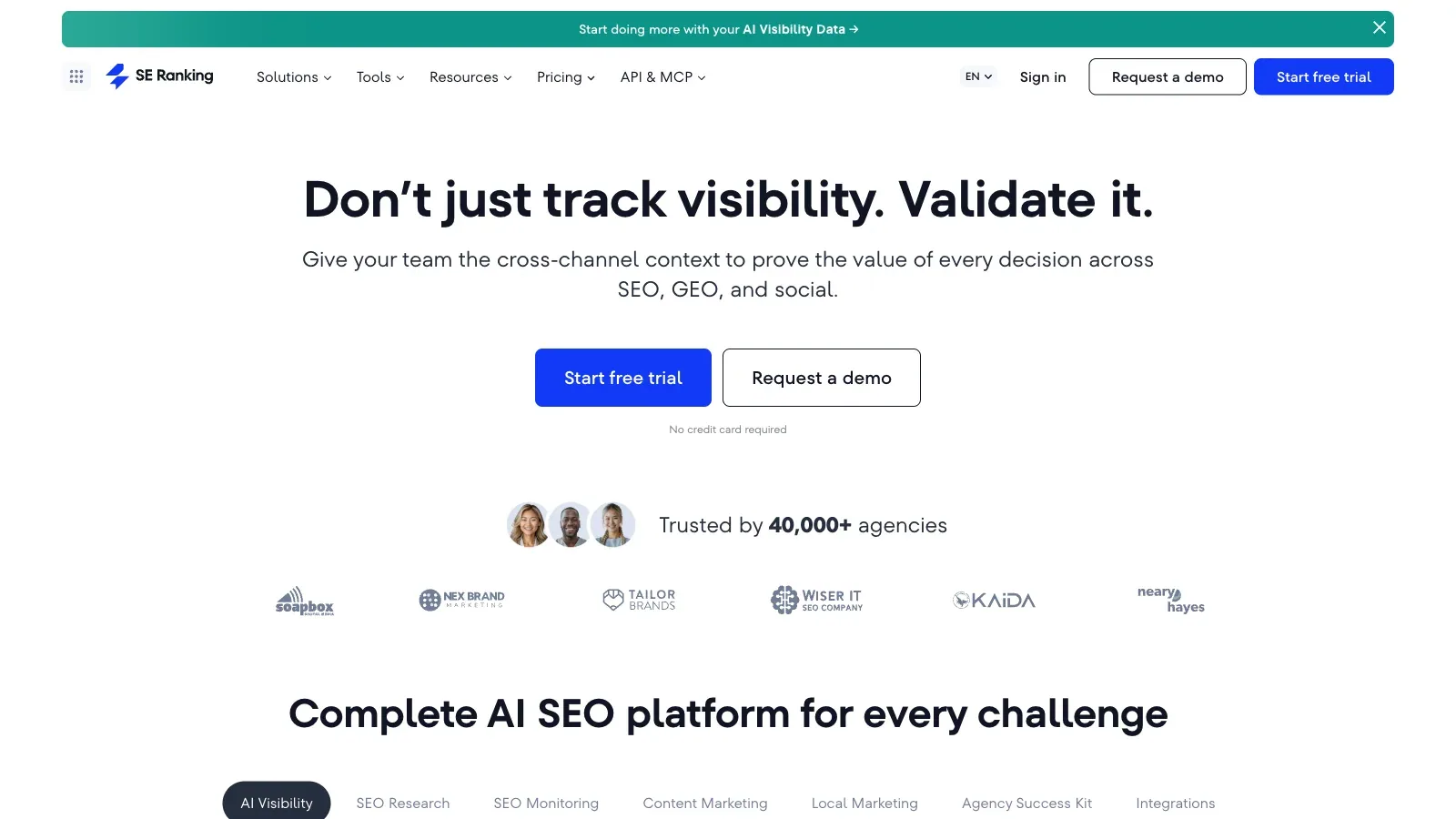
SE Ranking
Use the hosted MCP connection when you want a conversational research workflow backed by keyword data.

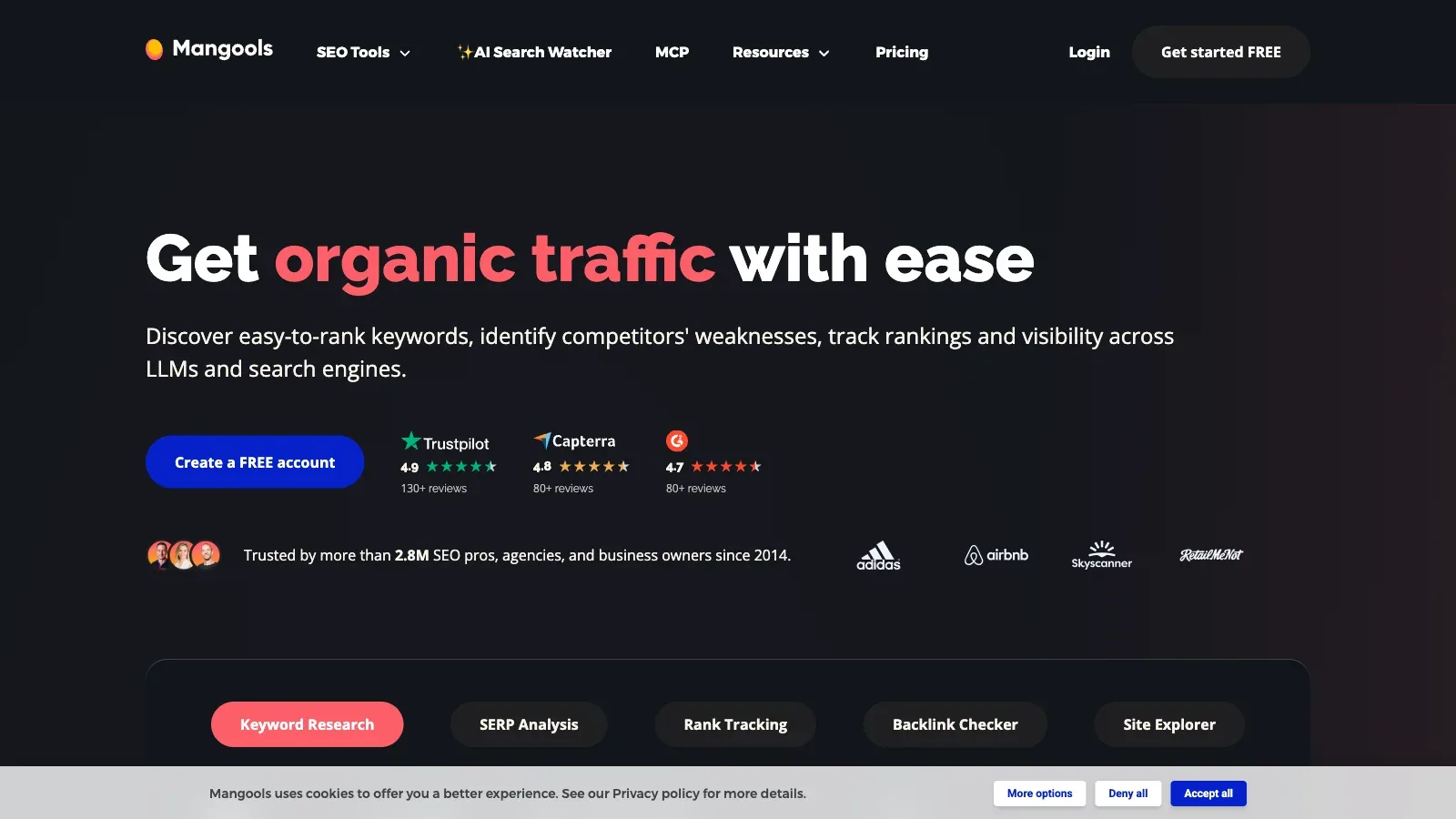
Mangools
Query keyword ideas and result pages through MCP while retaining the SEO package for direct inspection.
Turn opportunities into a page queue

Keyword Insights
Move from keyword discovery to result-based clusters and intent analysis in one planning workflow.

Frase
Use existing pages, competing content, and visitor questions to decide what should be updated or written.

Surfer
Use competitor gaps and content guidance when the next step is an editable page brief.
Develop a first seed list
Compare the input and the handoff.
Official pages checked September 15, 2026. Mangools numeric prices remain unverified. AI assistant connections require compatible clients and account access.
| Tool | Workflow fit | Starting material | Planning output | Access | Practical limit |
|---|---|---|---|---|---|
| Semrush | Research within an existing SEO portfolio | Keyword or topic | Metrics and page groups | Paid SEO and SEO + AI plans | Additional users cost extra; plan the shared workflow before adding accounts. |
| Writesonic | Connect research to an article brief | Target query, source material and writing context | Research, outline and article draft | Paid tiers with different article allowances | Article quotas and workflow trials depend on the subscription tier. |
| SE Ranking | Query SEO data from an AI assistant | Seed keyword and country | Keyword metrics and trends | Core, Growth, or custom Enterprise | MCP requests consume API credits. |
| Mangools | Use a lightweight SEO data connection | Topic or search query | Keyword metrics and SERP data | Basic, Premium, Agency; prices unverified | Account authorization is required; current numeric subscription prices remain unverified. |
| Keyword Insights | Build a keyword-to-page map | Seed topic or keyword list | Clusters, intent, and CSV | Monthly plans, paid trial, and PAYG | Research, clustering, briefs, and writing share a credit budget. |
| Frase | Find gaps in an existing content site | Site and existing content | Opportunity list and drafts | Starter, Professional, Scale, Enterprise | Starter stops at its monthly limits; publishing controls need deliberate setup. |
 SEO.AI SEO.AI | Brainstorm before buying a research suite | Short business description | Keyword ideas and copyable clusters | Free tools; agent plans are separate | Generated suggestions need a separate demand and result-page check before becoming a content plan. |
| Surfer | Connect topic gaps to content editing | Topic and competing content | Content gaps, outlines, and edits | Discovery through Enterprise; yearly rates shown | Coverage-gap and assistant-connection access depend on the plan. |
Where each tool fits.
Semrush
- €112.52/month
- €158.4/month
- €238/month
- €436.99/month
- Custom pricing
- Choose it when
- Teams already managing sites in Semrush.
- Think twice when
- Additional users cost extra; plan the shared workflow before adding accounts.
- Before you start
- Confirm the market database and whether the base plan covers the research and tracking you need.
Writesonic
- $79/month
- $199/month
- $399/month
- Custom pricing
- $200/month
- Choose it when
- Teams that want keyword decisions to feed directly into a content brief.
- Think twice when
- Article and workflow allowances depend on the subscription tier. Recheck every cited source and search claim.
- Before you start
- Confirm the target query, reader intent, first-party sources and remaining article allowance.
SE Ranking
- $103.2/month
- $223.2/month
- Custom pricing
- Choose it when
- Teams with a compatible AI client and an SE Ranking account.
- Think twice when
- MCP requests consume API credits.
- Before you start
- Estimate research volume against the plan API allowance.
Mangools
- Price unverified
- Choose it when
- Researchers who prefer chat and need a route back to the underlying tools.
- Think twice when
- Account authorization is required; current numeric subscription prices remain unverified.
- Before you start
- Check the current price and authorize a compatible MCP client.
Keyword Insights
- $58/month
- $99/month
- Custom pricing
- Price unverified
- Choose it when
- Content teams turning a keyword list into a page queue.
- Think twice when
- Research, clustering, briefs, and writing share a credit budget.
- Before you start
- Check the proposed list size and credit cost before running a large cluster job.
Frase
- $39/month
- $103/month
- $239/month
- Custom pricing
- Choose it when
- Teams with a content inventory and a review process.
- Think twice when
- Starter stops at its monthly limits; publishing controls need deliberate setup.
- Before you start
- Keep the workflow in review mode and inspect the evidence behind each opportunity.
SEO.AI
- $149/month
- $299/month
- Choose it when
- Small teams with an unclear seed list.
- Think twice when
- Generated suggestions need a separate demand and result-page check before becoming a content plan.
- Before you start
- Start with a precise business description and reject unrelated terms.

Surfer
- $82/month
- $99/month
- $182/month
- $299/month
- $49/month
- $999/month
- Choose it when
- Teams moving from a topic opportunity into a writing workflow.
- Think twice when
- Coverage-gap and assistant-connection access depend on the plan.
- Before you start
- Confirm the chosen plan includes the planning features you intend to use.

These choices describe documented workflows; no hands-on output-quality ranking is claimed.
From seed terms to a page queue.
Set one market and a page goal
Choose a country, language, audience, and page type. List the products or questions the site can answer. Separate existing pages from ideas for new pages.
Expand a small seed list
In Keyword Insights, enter a seed topic in Keyword Discovery. Filter out unrelated brands and services, then keep the keyword, volume, difficulty, and CPC fields with the selected market. For existing SEO subscriptions, use the corresponding research tool or its supported assistant connection.
Group by search results
Send the shortlist to clustering and enable search-intent analysis. Inspect representative results from each cluster. Split a cluster when buying pages and explanatory guides answer different needs. Similar wording alone does not justify one page.
Map clusters to pages
Assign each cluster to an existing URL or a proposed page. Keep one primary intent per page. Compare with the current site inventory before commissioning another article on the same question.
Approve a short content queue
Choose a small set of pages based on business relevance, result-page fit, available expertise, and demand. Save rejected topics with a reason. Use the review template to hand off a brief with evidence, rather than only a list of keywords.
Prepare the keyword-to-page handoff.
Use the template as a review brief. Transfer exports manually when switching products.
MARKET
Country and language: [market]
Audience and offer: [who and what]
Excluded topics: [services or audiences outside scope]

RESEARCH
Seed terms: [terms]
Data provider and date: [source and date]
Keyword | Volume estimate | Intent | Representative result URL

PAGE MAP
Cluster | Existing or proposed URL | Page type | Business reason

REVIEW
Keep one main intent per page. Mark missing demand data as unknown.
Separate observed search results from AI suggestions.
List rejected topics and the reason for each rejection.
Before commissioning content
Questions before you start.
Can an AI keyword list replace demand data?
Use generated terms to expand your vocabulary, then check demand and current search results with a data provider. Preserve the provider, market, and date beside each estimate.
Should every keyword become a separate page?
Group queries that share intent and similar search results. Assign them to an existing or proposed page, and split groups when the expected page type differs.
What if I already pay for an SEO suite?
Start with its keyword and competitor tools. Use a supported MCP connection if conversational analysis helps, and check the API allowance before running a large batch.
How should I prioritize the queue?
Choose topics the business can answer well, then weigh current result-page fit, demand, and competition. Keep the business reason beside the keyword metrics.
Were these tools tested on a live site?
This guide is based on current official product pages and documentation. The sample is authored; it does not represent measured ranking results or a completed product trial.
Sources
Official product pages used to support the comparison above.