

Best AI Tools for Lead Discovery in 2026
Compare 8 tools and turn a precise ICP into a prospect list that a reviewer can check before outreach.
Explore the guide
Turn a broad market into a review queue.
Market: US manufacturers with 100 to 1,000 employees and multiple operating sites.
Ready
Company and contact match the ICP, the role is current, and the work email is verified.
Role: Operations or maintenance leaders; exclude consultants and recruiters.
Review
Company fits, but the title is ambiguous or the email cannot be verified.
Required fields: Company domain, full name, current title, work email, source, and verification state.
Exclude
The person or company appears on the suppression list.
Illustrative workflow, not a product test or data-accuracy benchmark.
The output separates usable records from identity conflicts, missing fields, and suppressed prospects.
8 tools. Choose by discovery workflow.
Find and verify emails

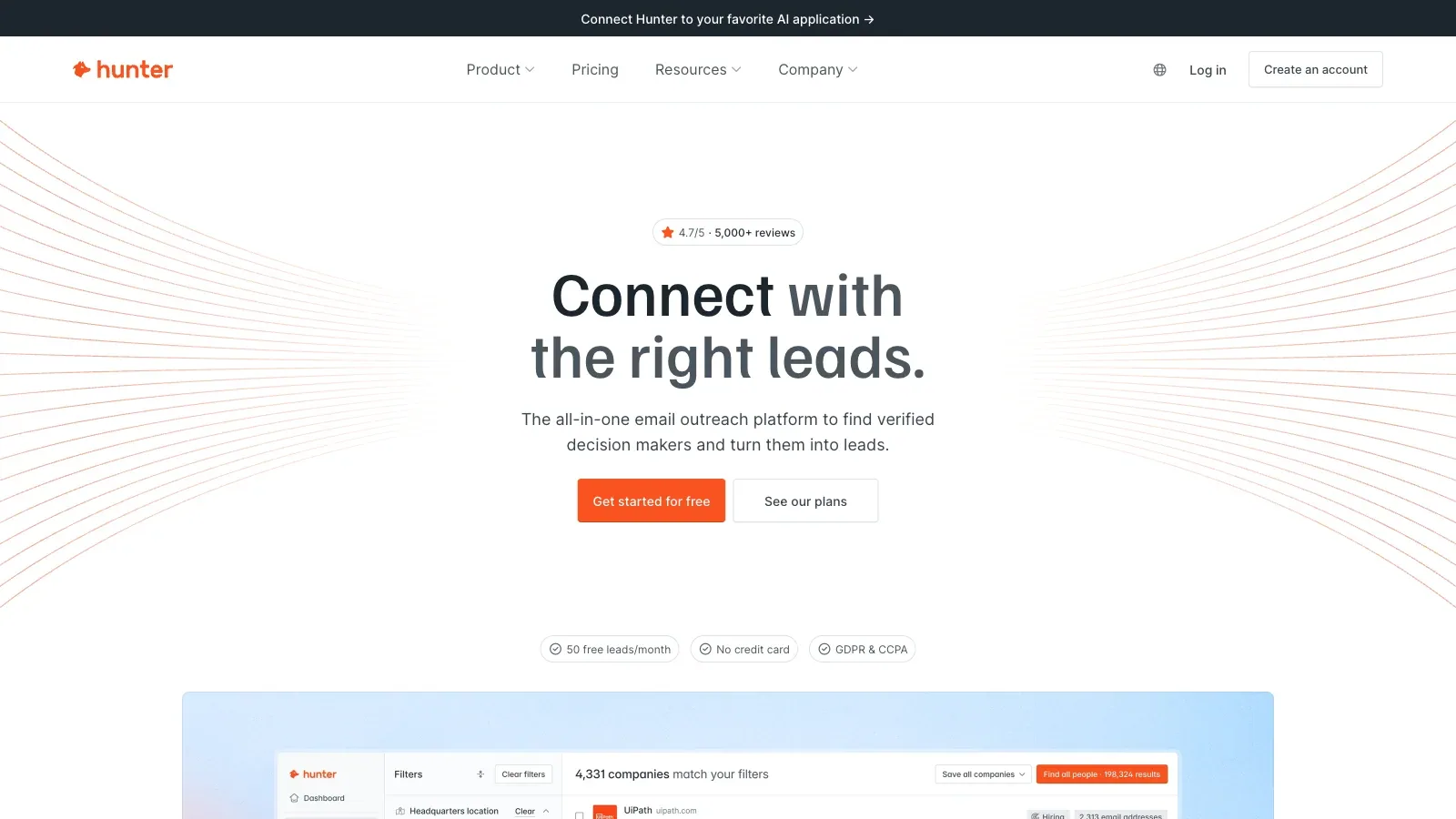
Hunter
Find and verify work emails from a person, company domain, or filtered database search.

Snov.io
Find and verify emails, search companies, organize prospects, and move the same list into multichannel campaigns.

GetProspect
Find contacts with advanced filters, verify business emails, enrich CSV files, and export the result.
Capture and enrich while browsing
Build lists across a sales-intelligence platform

UpLead
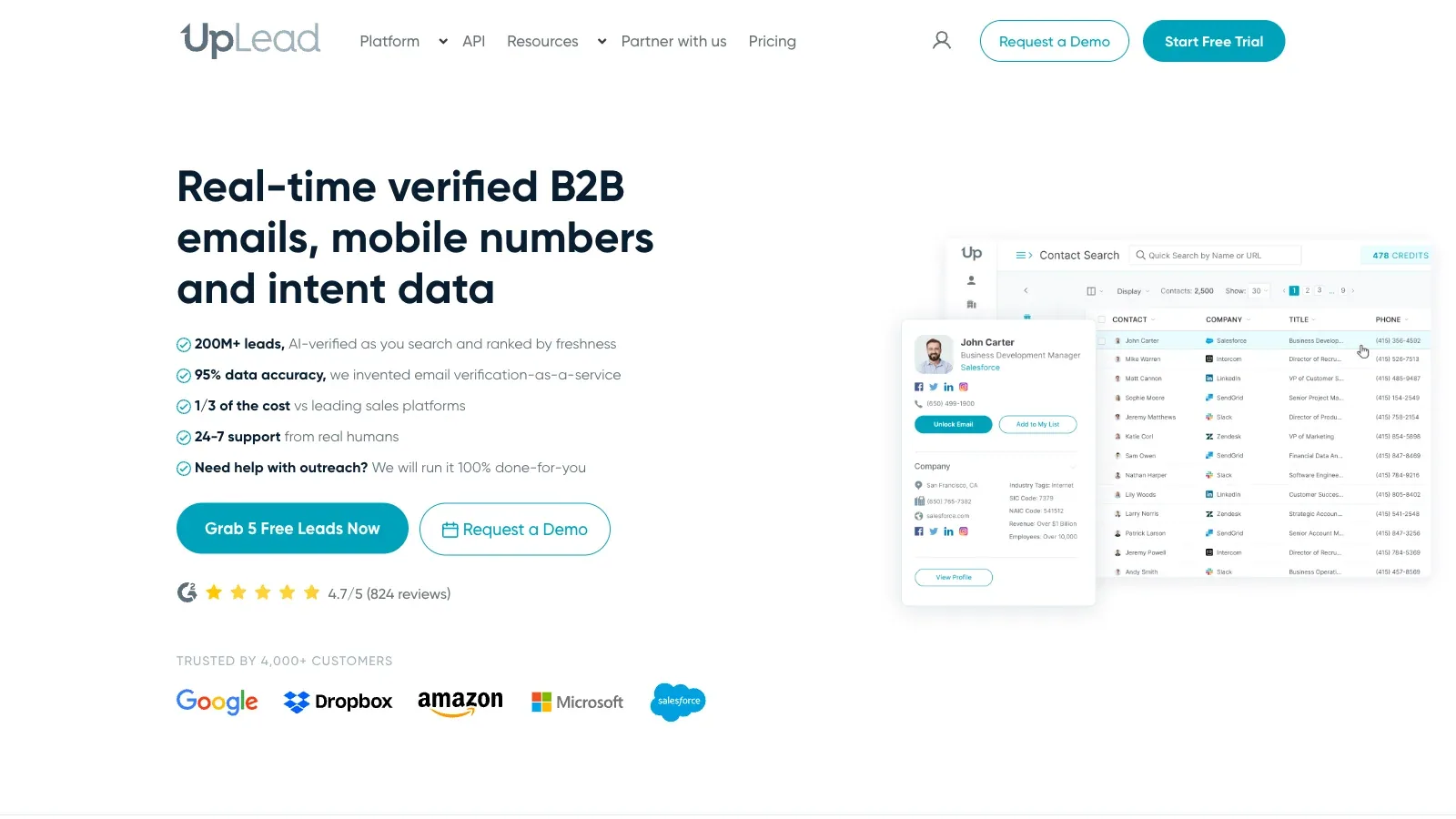
Use contact, company, technology, and intent filters to build a defined prospect segment.

SalesIntel
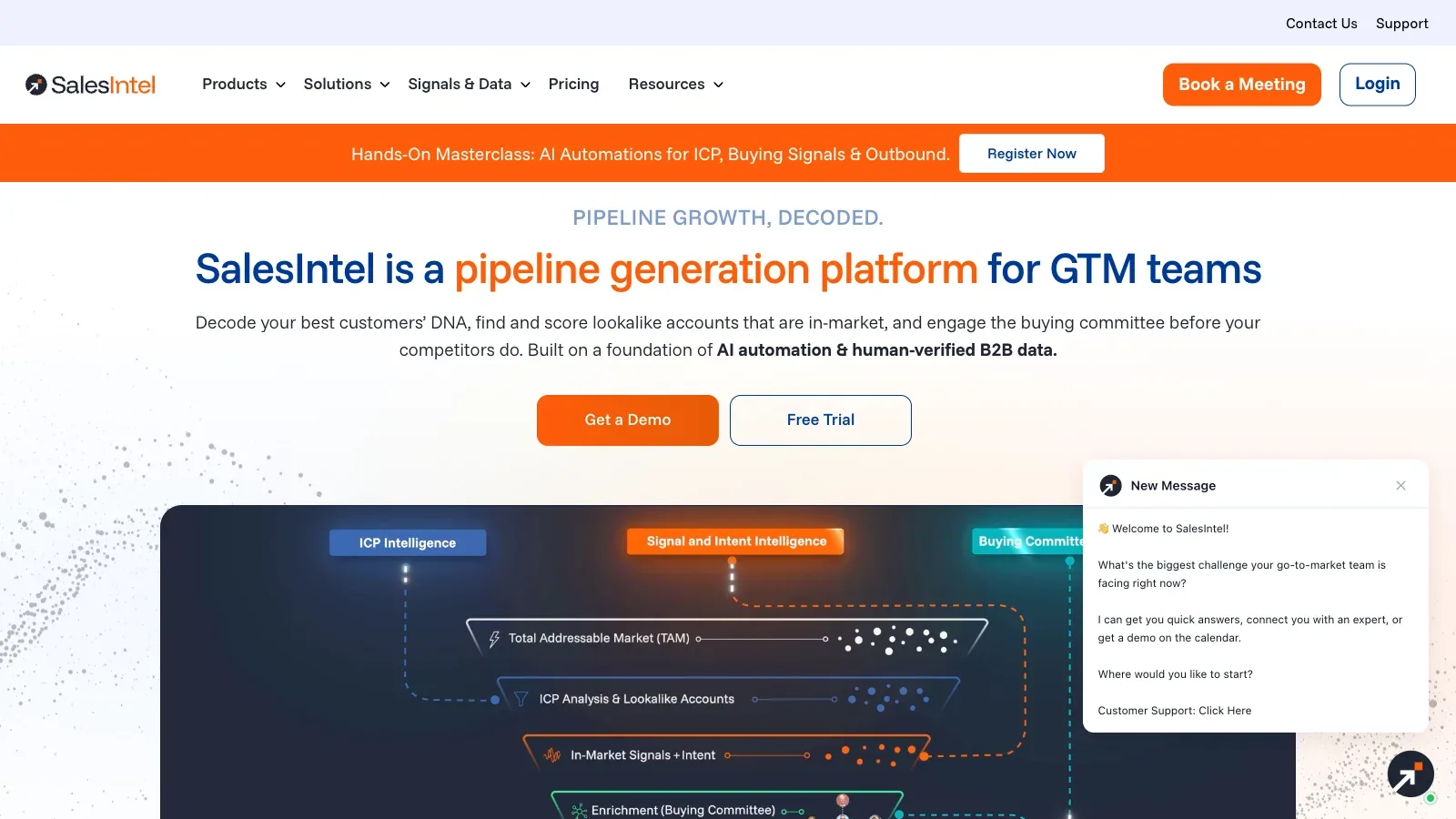
Combine contact records, account filters, news, intent, and enrichment under a quoted platform agreement.

Cognism
Build lists with firmographic, technographic, job-change, hiring, and intent filters.
Compare the fields, handoff, and review step.
8 tools for lead discovery · official sources rechecked September 17, 2026
| Tool | Discovery fit | Starting point | Working result | Access | First check |
|---|---|---|---|---|---|
| Hunter | Email-first discovery | Company domains, names, or ICP filters | Verified emails and saved leads | Free, Starter, Growth, Scale, Enterprise | Run a ten-company sample, verify the addresses, and inspect source confidence before export. |
 LeadIQ LeadIQ | Browser-led prospect capture | Profiles, companies, and account criteria | Contact records, signals, and CRM updates | Free, Pro, Enterprise | Capture five known contacts and check duplicate handling and field mapping before scaling. |
| UpLead | Filtered B2B list building | ICP filters, suppression lists, or uploaded records | Contact list, enrichment, and CRM export | Free Trial, Essentials, Plus, Professional | Build one narrow segment and compare unlocked fields with the original company sources. |
| SalesIntel | Team-wide sales intelligence | Territory rules and account criteria | Contact and account intelligence | Custom platform pricing | Ask for a scoped pilot using one territory and document every included data source. |
| Cognism | Signal-led account targeting | Company criteria, personas, and signals | Prospect lists, verified contact data, or enrichment | Standard, Pro, CRM Enrichment, Data-as-a-Service | Define the market and required data fields, then confirm the package and credit rules. |
 Kaspr Kaspr | LinkedIn contact enrichment | LinkedIn profiles, lists, or CSV URLs | Enriched leads and CRM exports | Free, Starter, Business, Enterprise | Test the extension on a small saved list and check export fields before buying add-on credits. |
| Snov.io | Discovery plus outreach | ICP filters, domains, names, or LinkedIn profiles | Verified prospects and campaign-ready lists | Trial, Starter, four Pro tiers, Custom Ultra | Use the renewable Trial on a small segment and record the credits used for search and verification. |
| GetProspect | Verified email list building | Contact filters, LinkedIn pages, or CSV files | Verified emails, enriched rows, and exports | Free, Starter, three Growth tiers, Custom | Find 20 known contacts, check verification outcomes, and test CSV or CRM field mapping. |
A closer look at 8 lead-discovery tools.
Hunter
- Free
- €34/month
- €104/month
- €209/month
- Custom pricing
- Choose it when
- Teams that need email discovery, verification, and light outreach in one workspace.
- Think twice when
- Credits cover finding and verification; sequence and connected-account limits vary by plan.
- Before you start
- Run a ten-company sample, verify the addresses, and inspect source confidence before export.
LeadIQ
- Free
- $200/month
- Custom pricing
- Choose it when
- Reps prospecting from a browser who also need job-change signals and CRM enrichment.
- Think twice when
- Phone reveals consume more credits than email reveals, and enterprise controls require a quote.
- Before you start
- Capture five known contacts and check duplicate handling and field mapping before scaling.
UpLead
- Free
- $99/month
- $199/month
- Custom pricing
- Choose it when
- A single user or team that needs direct dials, verified emails, enrichment, and CRM exports.
- Think twice when
- Free is a seven-day trial; advanced filters, enrichment, and intent data sit on higher plans.
- Before you start
- Build one narrow segment and compare unlocked fields with the original company sources.
SalesIntel
- Custom pricing
- Choose it when
- Larger GTM teams that want shared data access without per-export caps.
- Think twice when
- Pricing is quote-based, so confirm included signals, research credits, and integrations in writing.
- Before you start
- Ask for a scoped pilot using one territory and document every included data source.
Cognism
- Custom pricing
- Choose it when
- Teams prospecting in Europe or using phone data, CRM enrichment, API, or bulk delivery.
- Think twice when
- All published packages require a quote, and advanced mobile verification and intent sit in Pro.
- Before you start
- Define the market and required data fields, then confirm the package and credit rules.
Kaspr
- Free
- $65/month
- $99/month
- Custom pricing
- Choose it when
- Individuals and teams whose discovery workflow starts in LinkedIn or Sales Navigator.
- Think twice when
- Kaspr requires a LinkedIn account with at least 20 connections, and credits differ by data type.
- Before you start
- Test the extension on a small saved list and check export fields before buying add-on credits.
Snov.io
- Free
- $39/month
- $99/month
- $189/month
- $369/month
- $738/month
- Custom pricing
- Choose it when
- Teams that want lead discovery, verification, warm-up, and outreach under one subscription.
- Think twice when
- Credits, recipients, warm-up slots, and LinkedIn automation are separate allowances or add-ons.
- Before you start
- Use the renewable Trial on a small segment and record the credits used for search and verification.
GetProspect
- Free
- $49/month
- $99/month
- $199/month
- $399/month
- Custom pricing
- Choose it when
- Teams that want predictable email-finder allowances and spreadsheet or CRM handoff.
- Think twice when
- Phone-number allowances are small on published plans and separate add-ons may be needed.
- Before you start
- Find 20 known contacts, check verification outcomes, and test CSV or CRM field mapping.
This guide compares documented workflows and pricing; it does not claim a measured contact-accuracy ranking.
Build the list in controlled passes.
Lock the ICP and exclusions
Write company size, industry, geography, role, and disqualifying conditions as fields. Add current customers, open opportunities, competitors, and opted-out contacts to a suppression file.
Search a narrow sample
Start with one territory or a list of 20 known companies. Keep the filters and date so another reviewer can reproduce the search.
Resolve company identity first
Match the company domain, legal or trading name, and relevant business unit before unlocking a person's contact data. Merge aliases and subsidiaries only when the relationship is clear.
Verify the person and contact field
Check that the role is current and relevant. Preserve each source and the provider's verification state; do not replace an unknown field with a guess.
Deduplicate and review
Merge repeated people and companies without discarding conflicting sources. Move uncertain roles, invalid addresses, and suppression matches into a review queue.
Export a controlled set
Export only the accepted fields, keep a review date, and record which list or CRM received the data. Recheck stale records before outreach.
Define a lead-discovery run.
Pilot the rules on a small list and record credit use before scaling.
ICP
Geography: [countries or regions]
Company criteria: [industry, size, technology, or other supported filters]
Target roles: [titles and seniority]
Exclusions: [customers, opportunities, competitors, opt-outs]

REQUIRED FIELDS
Company domain | Company name | Contact name | Current title | Work email | Phone if needed | Source | Verification state | Checked date

REVIEW RULES
Accept when: [identity, fit, and required fields pass]
Hold when: [ambiguous role, missing source, or uncertain contact]
Exclude when: [suppression or disqualifying rule matches]

HANDOFF
Destination: [CSV, spreadsheet, CRM, or sequence]
Reviewer and review date: [owner/date]
Before export
Questions before you build the list.
Should I unlock contact data as soon as a person appears in search?
No. Confirm the company and role first, then spend credits only on records that still match the ICP.
Does a verified email prove that the person is a good prospect?
It only addresses the contact field. Fit, current responsibility, exclusions, and permission still need separate review.
How should duplicates be handled across providers?
Match company domains and person identity, preserve each source, and resolve conflicting titles or contact fields before choosing a canonical row.
What belongs in a suppression list?
Include customers, active opportunities, competitors, opted-out contacts, internal domains, and any other records the team must not approach.
When is a custom-priced platform worth evaluating?
Evaluate it when shared access, enrichment, signals, governance, or API delivery matter enough to justify a scoped pilot and written package terms.
Were these products tested against a real prospect list?
No. The guide uses current official pages and documented plan details; it does not claim measured contact accuracy or outreach performance.