
Best AI Tools for Image to Video in 2026
Start with the motion your still image needs, then compare control, output limits, and repeat-production cost.
Compare the tools
Turn a still-image request into a testable shot brief.
Request: Make this product photo feel cinematic.
Subject motion
Keep the product fixed while the fabric behind it moves gently.
Delivery: Six-second vertical social clip.
Camera motion
Use one slow push-in with no orbit or sudden acceleration.
Constraint: Preserve the label and package proportions.
Preserve
Keep the label, cap shape, and package proportions unchanged.
No hands-on quality benchmark is represented.
This is an authored brief example, not a measured result from a listed tool.
Choose by the motion problem.
Cinematic shots and keyframes
Characters, styles, and effects
Music-led and template workflows
Compare each image-to-video workflow.
Eight tools checked against official product and pricing pages on September 17, 2026.
| Tool | Best fit | Starting material | Motion control | Output | Access | Check first |
|---|---|---|---|---|---|---|
 PixVerse PixVerse | Fast model comparison | Image and prompt | Camera and motion direction | Short generated clip | Free and paid credits | Plan limits |
 Pika Pika | Effects and transitions | Images and prompts | Keyframes and effects | Short clip | Free and paid credits | Model access |
 Luma Luma | Cinematic motion | Image, prompt, and keyframes | Camera and endpoints | Generated video | Paid credits | Credit volume |
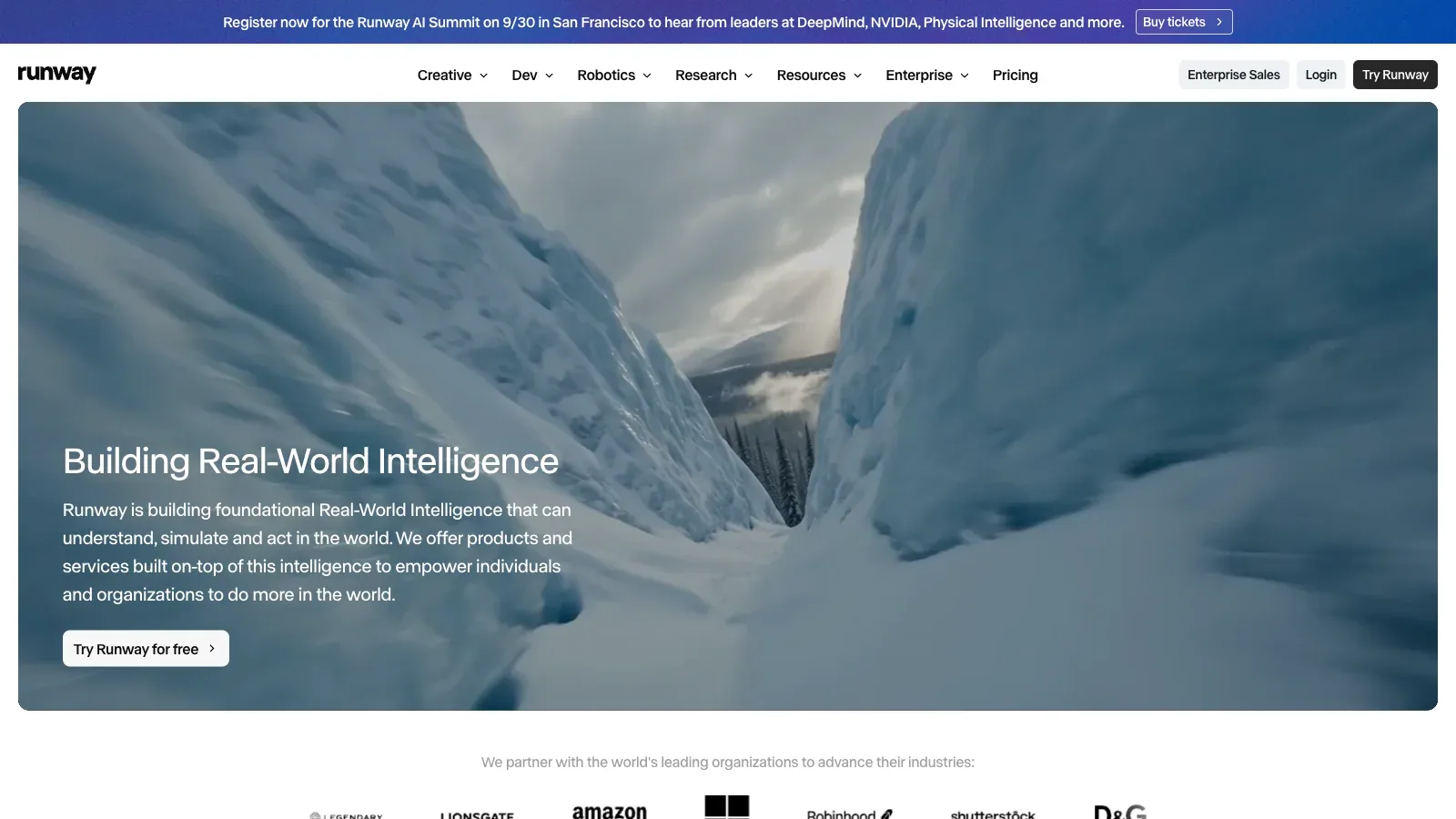
 Runway Runway | Integrated production | Image and references | Models and editing tools | Editable video asset | Free and paid credits | Variable model cost |
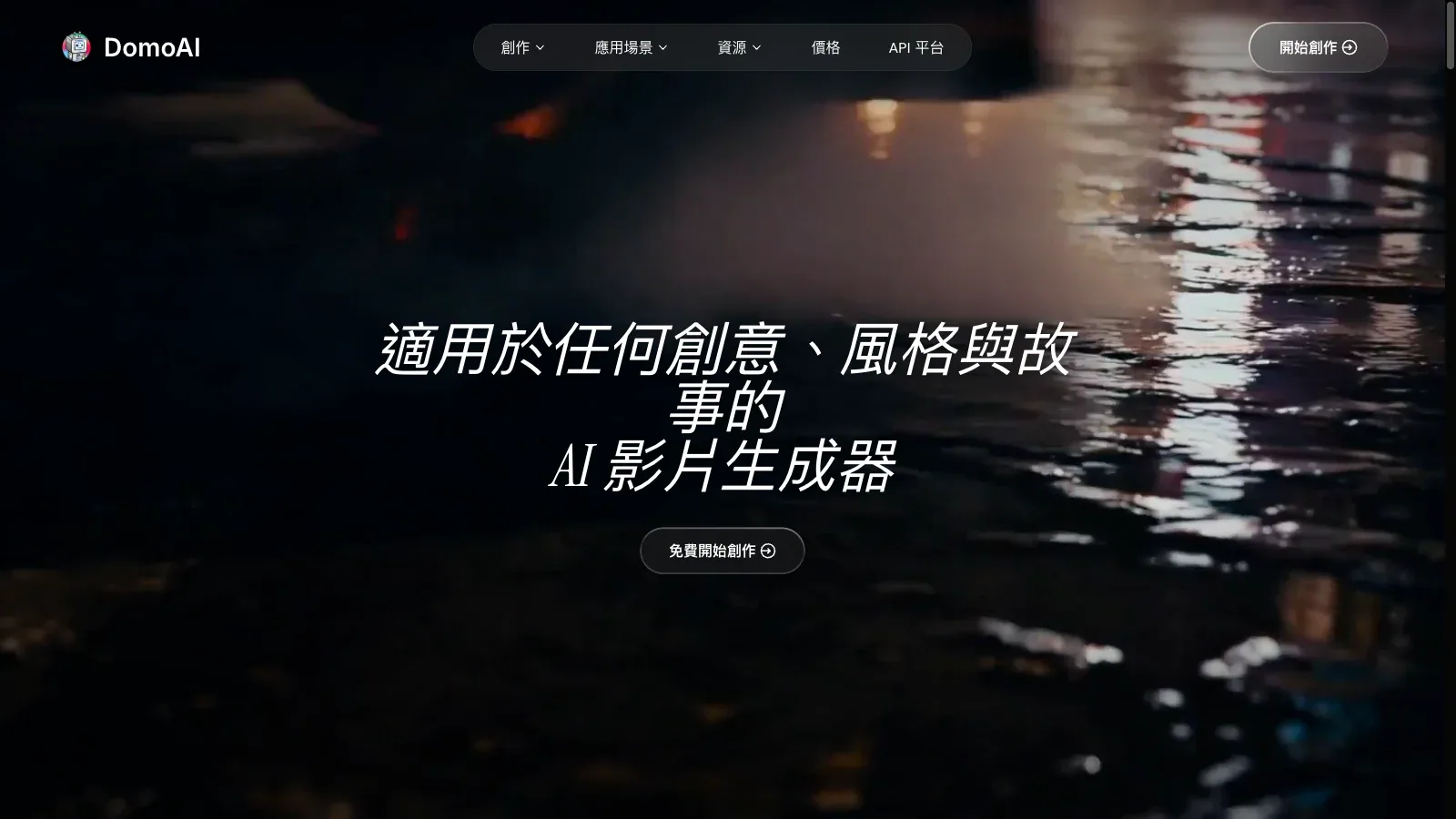
 DomoAI DomoAI | Stylized volume | Images and frames | Style and endpoints | Video clip | Paid credits | Queue mode |
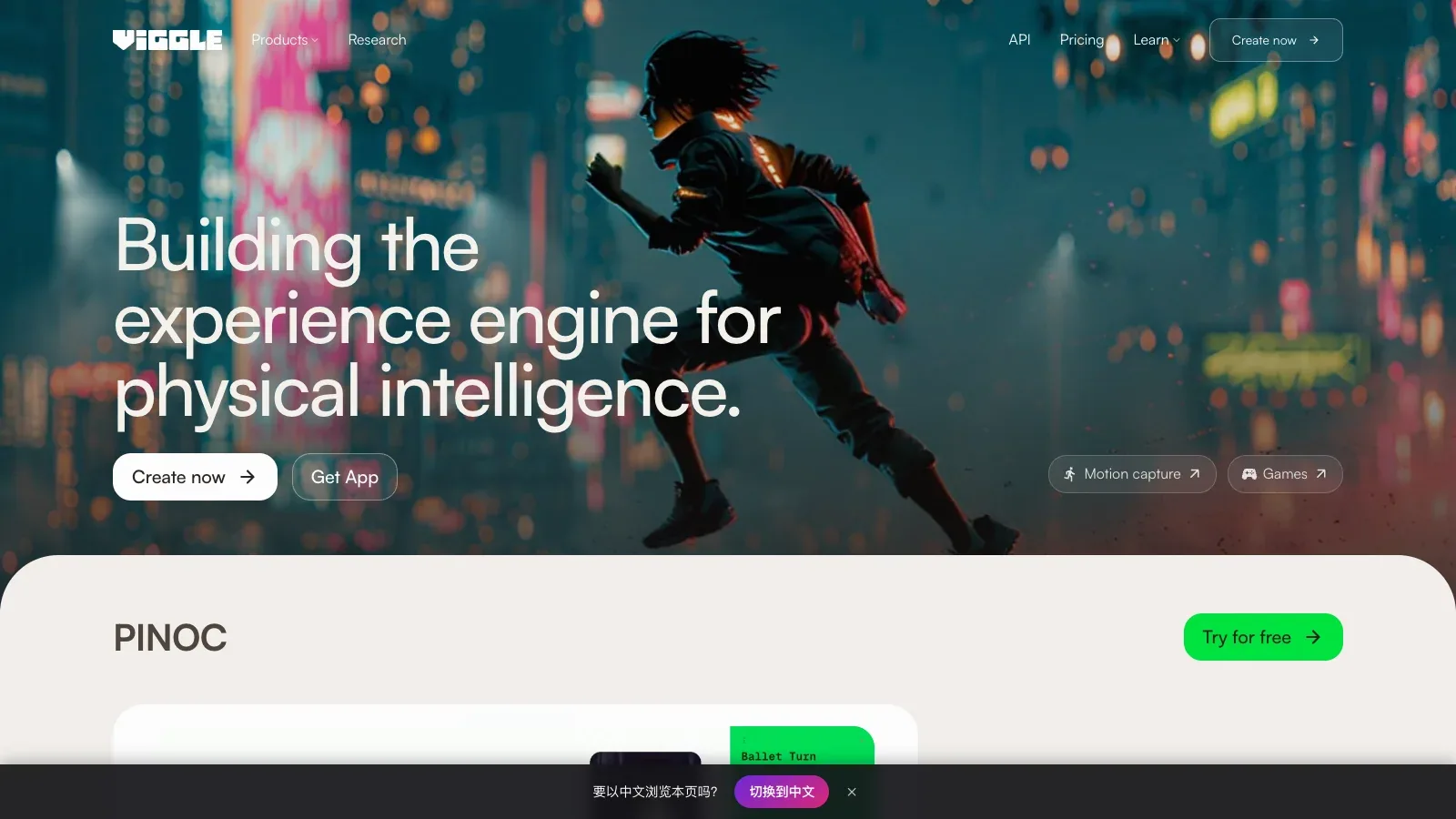
 Viggle Viggle | Character animation | Character image and motion | Motion transfer | Animated character clip | Free and paid plans | Source clarity |
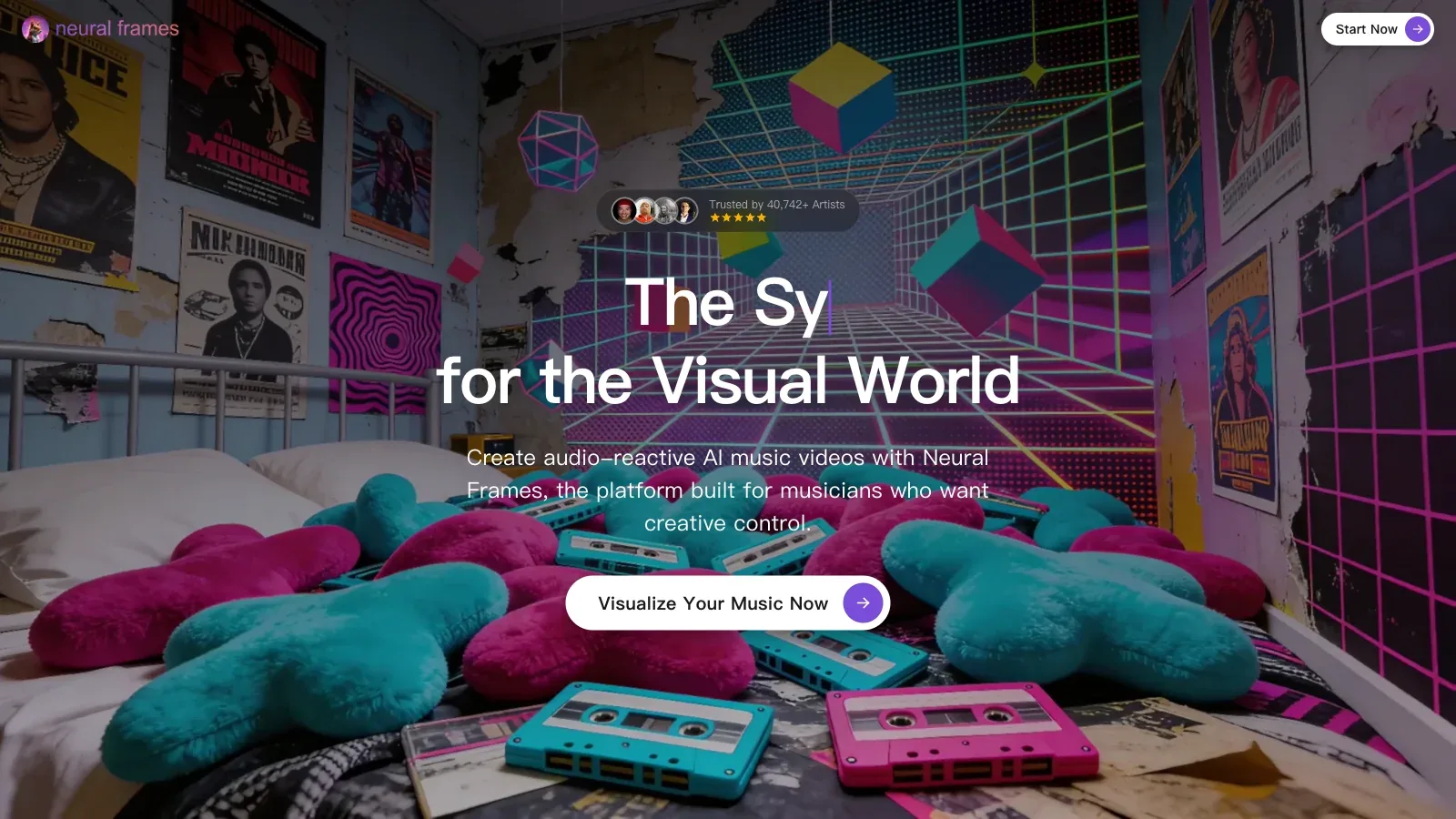
 neural frames neural frames | Music-led visuals | Image and audio | Audio reaction and timeline | Music video sequence | Paid credits | Rendered seconds |
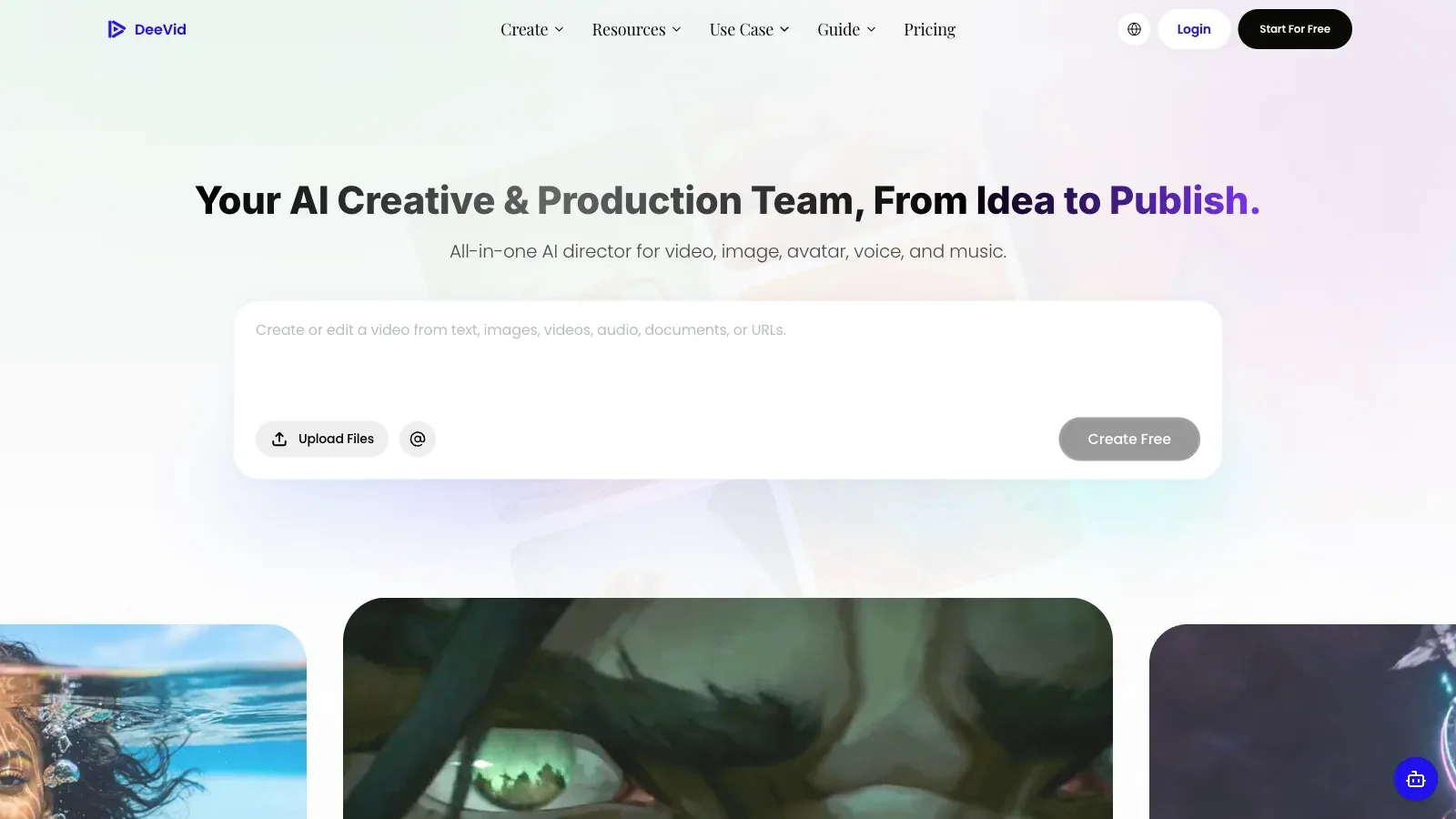
 Deevid Deevid | Accessible production | Image and prompt | Models and templates | Video clip | Paid credits | Resolution |
Where each tool fits.
PixVerse
- Free
- $10/month
- $30/month
- $60/month
- $249/month
- $199/month
- $100/month
- Choose it when
- Short visual concepts that need several motion options.
- Think twice when
- Credits, resolution, watermarks, and concurrent jobs vary by plan.
- Before you start
- Test the intended model and resolution on one representative still.

Pika
- Free
- $10/month
- $35/month
- $95/month
- Choose it when
- Social clips and transformations that need a defined visual beat.
- Think twice when
- Credit use and model access change across plans.
- Before you start
- Confirm the effect supports the source image and final aspect ratio.
Luma
- $30/month
- $90/month
- $300/month
- Custom pricing
- Choose it when
- Shots where camera behavior and a controlled ending frame matter.
- Think twice when
- Generation volume and processing priority depend on plan credits.
- Before you start
- Test start and end frames before committing to a longer sequence.
Runway
- Free
- $15/month
- $35/month
- $95/month
- Choose it when
- Production work that also needs references, editing, or upscaling.
- Think twice when
- Models consume credits at different rates.
- Before you start
- Price the chosen model and duration, then test the reference setup.
DomoAI
- $13/month
- $42/month
- $142/month
- Choose it when
- Repeat creator work that benefits from style choices.
- Think twice when
- Fast credits and Relax processing are separate constraints.
- Before you start
- Confirm whether the job needs fast generation or can use Relax mode.
Viggle
- Free
- $9.99/month
- $19.99/month
- $79.99/month
- Choose it when
- Character-led clips and motion-transfer experiments.
- Think twice when
- Results depend heavily on clear subjects and suitable reference motion.
- Before you start
- Use a clean full-body image and a reference clip with readable movement.
neural frames
- $39/month
- $99/month
- $299/month
- Choose it when
- Music videos, cover-art motion, and audio-led visual sequences.
- Think twice when
- Credit use is tied to rendered seconds and model choice.
- Before you start
- Test one musical section before rendering a full track.
Deevid
- $14/month
- $35/month
- $159/month
- Choose it when
- Marketing and creator clips assembled from images and effects.
- Think twice when
- Resolution and monthly generation volume vary by tier.
- Before you start
- Confirm the plan covers the required resolution and number of clips.
Documented capabilities and pricing are compared; output quality was not benchmarked hands-on.
Move from one still to a checked clip.
Separate camera and subject motion
Write each movement independently so the model is not asked to improvise the whole shot.
Run a short test
Use the shortest useful duration and a modest resolution to expose drift cheaply.
Refine one variable
Change the camera path, subject action, or prompt emphasis separately.
Inspect every transition
Check identity, geometry, text, edges, and motion continuity frame by frame.
Confirm delivery
Verify resolution, aspect ratio, rights, watermark, and final credit use.
Write an image-to-video shot brief.
Describe one shot, not a montage, and separate subject movement from camera movement.
DELIVERY
Duration and ratio: [details]
Placement: [channel]

SOURCE
Focal subject: [description]
Preserve exactly: [identity, text, geometry]

MOTION
Subject movement: [description]
Camera movement: [description]
Start and end: [description]

REVIEW
Check: [drift, deformation, continuity, crop, rights]
Before export
Questions before choosing.
Which tool makes the most realistic motion?
No official source establishes a universal winner. Test the same representative image and motion brief in the models you can afford.
Do I need a start and end frame?
Not always. End frames help when the shot must arrive at a specific composition or connect to another edit.
Why start with a short low-resolution test?
It reveals identity drift and motion problems before higher settings consume more credits.
Can I use the result commercially?
Check the provider plan, model terms, source-image rights, recognizable people, brands, and any music separately.