

Best AI Tools for Blog Writing in 2026
Compare 8 tools and produce a structured blog draft ready for editorial review.
Explore the guide
From a blog brief to a reviewable result.
Reader: A new member wants to know how the shared workspace booking process works.
Opening
How to request a room in the shared workspace
Verified process: Members submit a preferred room and date. A coordinator confirms availability.
Process
Choose a room and date, then submit a request.
Condition: Submitting the request does not confirm availability.
Condition
Wait for confirmation before treating the room as booked.
Missing detail: The confirmation time has not been specified.
Follow-up
When will I receive a response?
Illustrative example, not a product run or measured result.
The outline preserves the difference between requesting and booking. It leaves the missing response time unresolved.
8 tools. Find your starting point.
Shape a draft from a brief

ChatGPT
Use when the argument needs several rounds of discussion. Supply blog brief and source notes and ask for an outline before drafting.

Rytr
Use when you want help with an outline or individual paragraphs while keeping the blog post structure yourself.

Notion
Use when research notes and editorial review already live in Notion.
Create repeatable marketing blog posts
Revise an existing draft
Compare what changes your decision.
8 tools for blog writing · official sources rechecked September 16, 2026
| Tool | Workflow fit | Starting material | Editing | Working output | Access and cost | Practical limit |
|---|---|---|---|---|---|---|
| ChatGPT | Brief-led drafting | A topic, audience, and blog brief and source notes | Iterative drafting and rewriting | A draft you can continue editing | Free and paid plans; feature limits vary | Check each cited claim against the original source; a fluent response does not establish accuracy. |
 Jasper Jasper | Brand-governed blog posts | A brief and brand knowledge | Brand voice and marketing agents | Content within a marketing workspace | Pro $69/seat/month; $59 with annual billing | Pro includes one seat; a team workflow needs a Business arrangement. |
 Writesonic Writesonic | Search-oriented blog post pipeline | Topic, keywords, and source material | Research, outline, writing, and review stages | Search-oriented blog post draft | Starter $79/month billed annually | Blog post quotas and workflow trial runs are separate limits. |
| Rytr | Outline and paragraph writing | A topic or short passage | Continue, expand, shorten, and reword | Text assembled section by section | Free: 10,000 characters/month | The Free allowance counts characters; paid language and tone access differs by tier. |
 Anyword Anyword | Marketing blog variants | A topic and target keywords | Regenerate outlines and paragraphs | Blog draft with headline and intro options | Starter $49/month; $39 with annual billing | Predictive scores estimate potential; they do not verify claims or guarantee audience results. |
| Notion | Writing beside source documents | Existing pages and workspace context | Draft and edit inline with AI | A Notion page ready for team review | Ongoing AI use: Business or Enterprise | Free and Plus offer limited AI responses, not ongoing full AI access. |
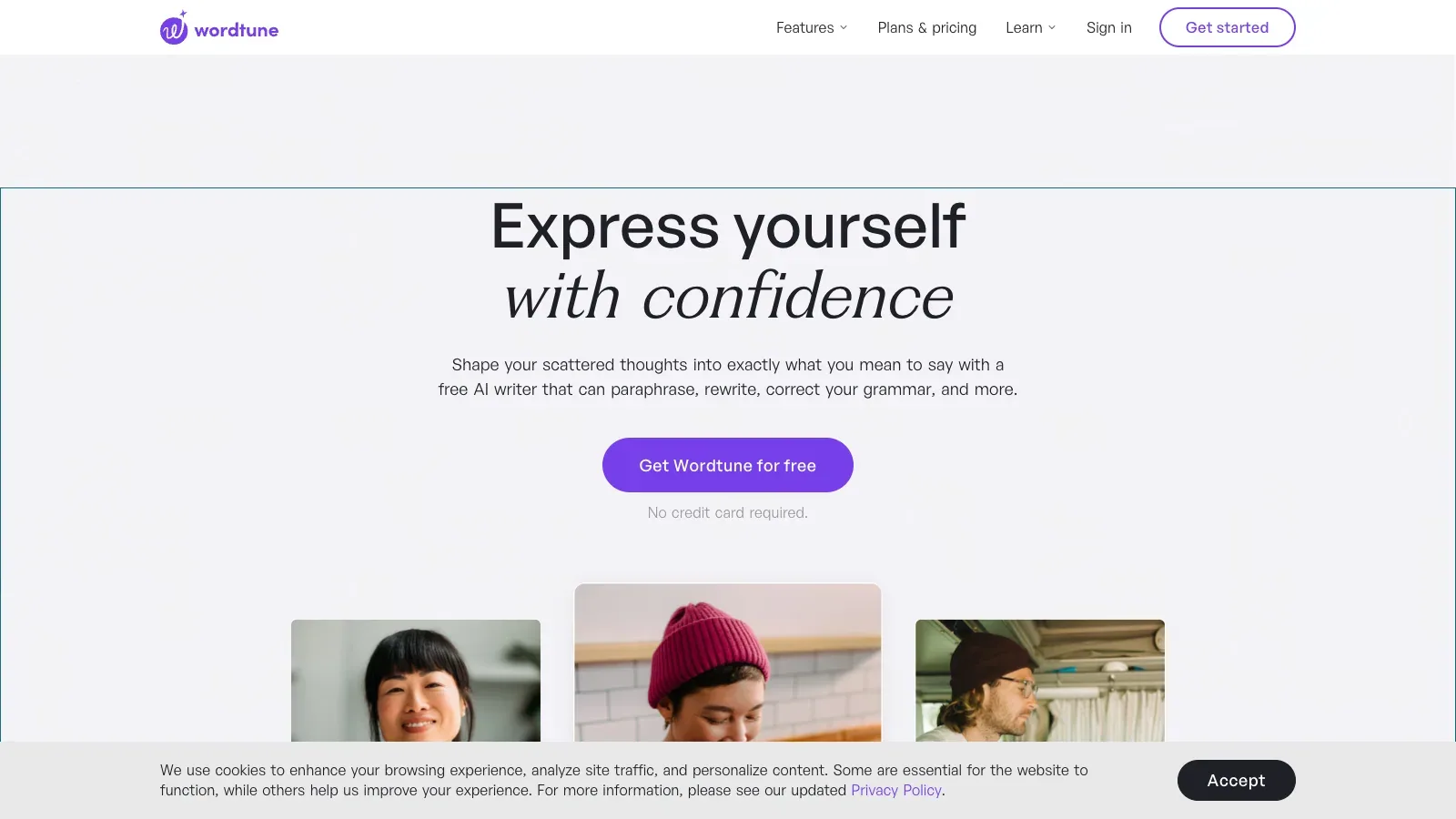
 Wordtune Wordtune | Passage-level rewriting | An existing English draft | Change tone, length, and phrasing | Revised passages for your draft | Basic free; Advanced $6.99/month billed annually | English output only; Basic and Advanced have rewrite and summary counters. |
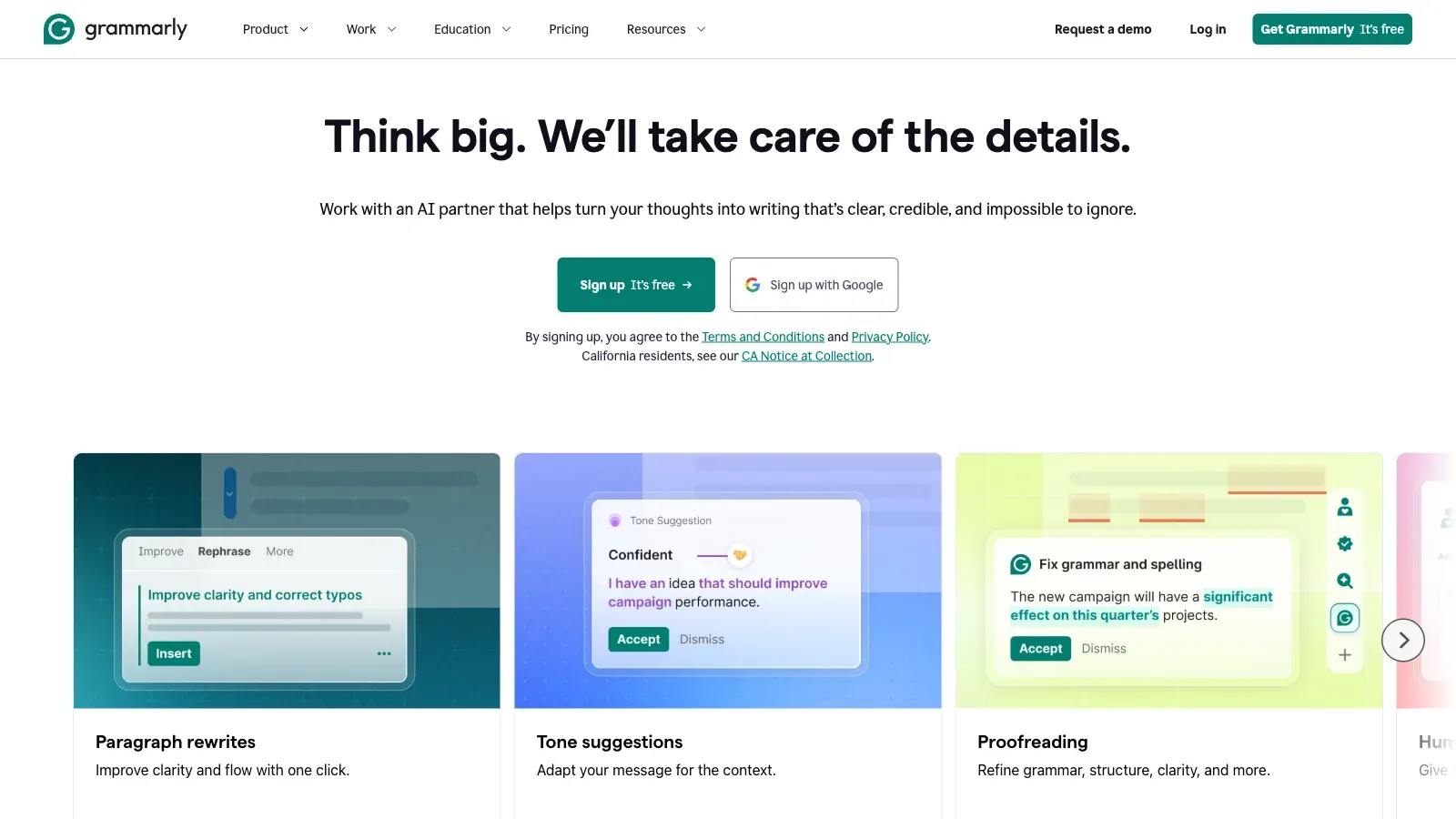
 Grammarly Grammarly | Final language review | A draft in your writing workflow | Grammar, tone, and sentence revision | Accepted edits in the working draft | Free; Pro $12/member/month billed annually | Full-sentence rewrites are a Pro feature; additional members need paid seats. |
A closer look at 8 tools.
ChatGPT
- Free
- Price unverified
- $20/month
- $100/month
- $25/user/month
- Custom pricing
- Choose it when
- An author who wants to shape structure through conversation.
- Think twice when
- Check each cited claim against the original source; a fluent response does not establish accuracy.
- Before you start
- Confirm the writing feature available in your account and start with one section.
Jasper
- $69/seat/month
- Custom pricing
- Choose it when
- Marketing writers working from brand guidelines.
- Think twice when
- Pro includes one seat; a team workflow needs a Business arrangement.
- Before you start
- Load the approved voice and knowledge assets before drafting.

Writesonic
- $79/month
- $199/month
- $399/month
- Custom pricing
- $200/month
- Choose it when
- Content teams that need search research and blog post production together.
- Think twice when
- Blog post quotas and workflow trial runs are separate limits.
- Before you start
- Check the monthly blog post allowance and source links in a short draft.

Rytr
- Free
- $7.5/month
- $24.16/month
- Choose it when
- Writers developing a short piece one section at a time.
- Think twice when
- The Free allowance counts characters; paid language and tone access differs by tier.
- Before you start
- Estimate the draft and revision volume in characters before choosing a plan.
Anyword
- $49/month
- $99/month
- Custom pricing
- Choose it when
- A marketer comparing opening angles for an blog post.
- Think twice when
- Predictive scores estimate potential; they do not verify claims or guarantee audience results.
- Before you start
- Separate the factual review from your comparison of headline scores.
Notion
- Free
- £8.5/member/month
- £16.5/member/month
- Custom pricing
- Choose it when
- A team that wants its draft beside project information.
- Think twice when
- Free and Plus offer limited AI responses, not ongoing full AI access.
- Before you start
- Confirm AI access and which workspace pages should inform the blog post.
Wordtune
- Free
- $6.99/month
- $9.99/month
- Choose it when
- A writer revising phrasing without replacing the whole draft.
- Think twice when
- English output only; Basic and Advanced have rewrite and summary counters.
- Before you start
- Try a paragraph with names and numbers, then check that the meaning survives each rewrite.
Grammarly
- Free
- $12/member/month
- Custom pricing
- Choose it when
- Writers who want corrections while working in familiar apps.
- Think twice when
- Full-sentence rewrites are a Pro feature; additional members need paid seats.
- Before you start
- Review each suggestion in context, especially quotations and technical terms.
From notes to an editable blog post.
Prepare an editorial brief
Name the reader, the question, the main point, and the desired length. Gather source links and exact quotations. Mark facts that still need checking.
Approve the outline
Ask for headings and a one-sentence purpose for each section. Remove sections that repeat the introduction or need evidence you do not have.
Draft one section at a time
In Jasper, supply the brand context and brief to the blog workflow. Alternatively, use a conversational writer for iterative sections. Keep the approved outline beside the draft and label unsupported additions for review.
Check evidence before polishing
Open every source used for a claim. Compare the date, scope, number, and qualification with the draft. Delete invented examples and quotations; replace them only with material you can support.
Revise and hand off
Read for repetition and unclear transitions. Wordtune or Grammarly can help with passages; moving text between tools is a manual handoff. Keep the reviewed draft in your chosen editor and check links after export or copying.
Use a source-led writing brief.
Keep source markers until the factual review is complete. Moving text between tools is a manual step.
READER AND PURPOSE
Reader: [who needs this]
Question: [one question]
Main answer: [your position]
Length and tone: [working target]

SOURCE MATERIAL
Verified claims: [claim + source + date]
Exact quotations: [quote + speaker + source]
Missing evidence: [questions to resolve]

DRAFTING INSTRUCTIONS
Propose an outline first. Give each section a distinct purpose.
Use only the supplied facts for specific claims. Flag missing information.
Keep numbers, qualifications, and quotations exact.
Do not invent firsthand experience, interviews, or examples.
Return an editable draft with source markers for review.
Before the blog post leaves your editor
Questions before drafting.
Should I draft the whole blog post in one request?
Start with the outline. A section-by-section draft makes it easier to catch repeated arguments and unsupported claims before they spread through the piece.
Which tools fit an existing draft?
Wordtune fits passage rewriting, and Grammarly fits spelling, grammar, tone, and sentence review. Check suggestions against the intended meaning.
Do search scores or prediction scores prove quality?
Use them as signals for a specific optimization task. They do not verify facts, establish originality, or guarantee audience results.
Can I keep everything in Notion?
Notion supports drafting and editing inline with AI. Ongoing Notion AI access requires Business or Enterprise; Free and Plus offer limited complimentary responses.
Were these tools tested with this example?
No. The guide is based on official product pages and documentation. The example is authored to demonstrate a reviewable writing process.
Sources
Official product pages used to support the comparison above.
- ChatGPT · Starting material, Editing, Access and cost
- Jasper · Starting material, Editing
- Jasper · Access and cost
- Writesonic · Starting material, Editing
- Writesonic · Access and cost
- Rytr · Starting material, Editing
- Rytr · Access and cost
- Anyword · Starting material, Editing
- Anyword · Access and cost
- Notion · Starting material, Editing, Access and cost
- Wordtune · Starting material, Editing
- Wordtune · Access and cost
- Grammarly · Starting material, Editing, Access and cost