


Adobe Photoshop
Adobe Photoshop is an AI tool for design tasks. Edit and composite images with selections, layers, and generative tools that replace selected areas or extend the canvas.
- $44.51/month, annual commitment
- $38.76/month, annual commitment
- $131.68/month, annual commitment
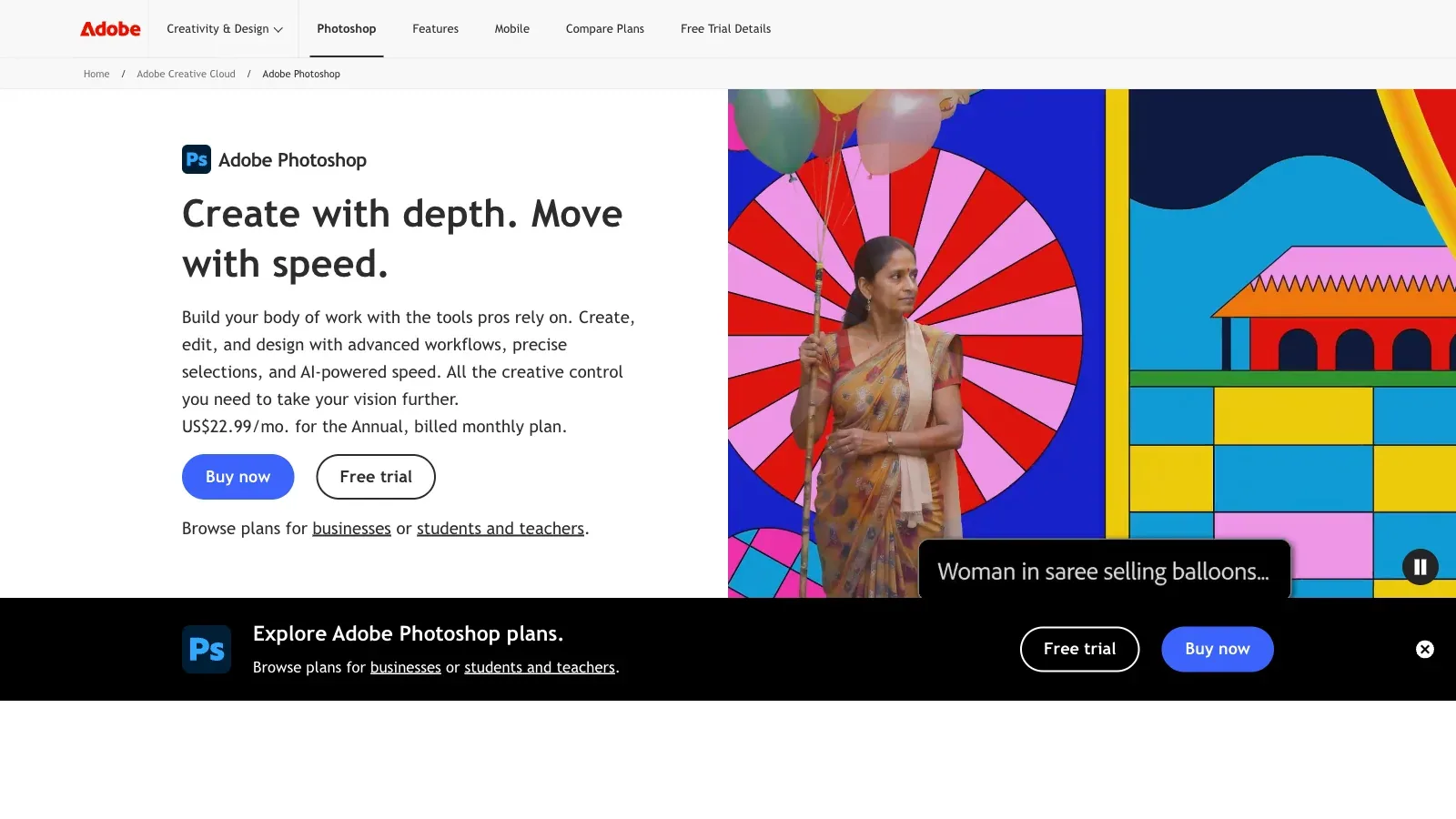
Features
Adobe Photoshop combines layer-based image editing with Generative Fill and Generative Expand for adding, replacing, or extending selected areas.
- Generative Fill
- Select an image area and describe the replacement, or leave the prompt blank to fill from the surrounding content.
- Keep edits on layers
- Generated variations appear on a separate Generative Layer for nondestructive editing.
- Guide an edit visually
- Add a reference image to a Generative Fill prompt and use Generate Similar to explore variations.
- Extend the canvas
- Use the Crop tool beyond the image border, then generate content in the extended area.
- Choose a platform
- The Photoshop plan includes desktop, web, and mobile. Firefly Pro includes Photoshop on web and mobile.
Pricing
Photoshop is sold through single-app, Photography, Firefly Pro, and Creative Cloud Pro plans; included storage and generative credits differ by plan.
Photoshop
For editing on desktop, web, and mobile.
- Adobe Express Premium
- 100 GB storage
- 25 monthly generative credits
Firefly Pro
For web and mobile editing with more generative use.
- Photoshop web and mobile
- 4,000 monthly generative credits
- 100 GB storage
Photography
For Photoshop and Lightroom workflows.
- Photoshop desktop, web, and mobile
- Lightroom
- 1 TB storage
Creative Cloud Pro
For work across Adobe creative applications.
- Photoshop and 20+ apps
- 4,000 monthly generative credits
- 100 GB storage
Limits
The web demo accepts one JPG, JPEG, or PNG file up to 40 MB and 8,000 × 8,000 pixels. These limits do not describe the desktop app.
- Website demo limits
- The website demo accepts one JPEG, JPG, or PNG file up to 40 MB and 8,000 × 8,000 pixels. These are demo limits, not desktop file limits.
- Generative access
- Generative-credit allowances and standard AI access differ between Photoshop, Firefly Pro, Photography, and Creative Cloud Pro.
FAQ
Do I have to write a prompt for Generative Fill?
Select an image area and describe the replacement, or leave the prompt blank to fill from the surrounding content.
Does generation overwrite the original image?
Generated variations appear on a separate Generative Layer for nondestructive editing.
Can I guide a difficult edit with another image?
Add a reference image to a Generative Fill prompt and use Generate Similar to explore variations.
Does every listed plan include desktop Photoshop?
The Photoshop plan includes desktop, web, and mobile. Firefly Pro includes Photoshop on web and mobile.
Does the 40 MB limit apply to desktop Photoshop?
The website demo accepts one JPEG, JPG, or PNG file up to 40 MB and 8,000 × 8,000 pixels. These are demo limits, not desktop file limits.
Scenarios

Alternatives

Adobe Express
A browser and mobile design editor that generates presentations from prompts or source files, then supports slide editing, visual assets, and common export formats.

Canva
A browser-based design editor for generating presentation drafts, editing layouts and media, applying brand elements, and producing other visual content.

Claid
Create product scenes from uploaded photos, control placement or reference a background, then edit, resize, and download images in the browser.

Flair.ai
Stage product photos with drag-and-drop props and backgrounds, generate scenes, and refine the results with AI editing tools.

Pebblely
An AI product photography tool for placing uploaded products into generated scenes, with templates, custom prompts, and bulk generation on selected plans.

Photoroom
Edit product photos with background removal, generated scenes, brand assets, and batch workflows across web and mobile.