


Adobe Express
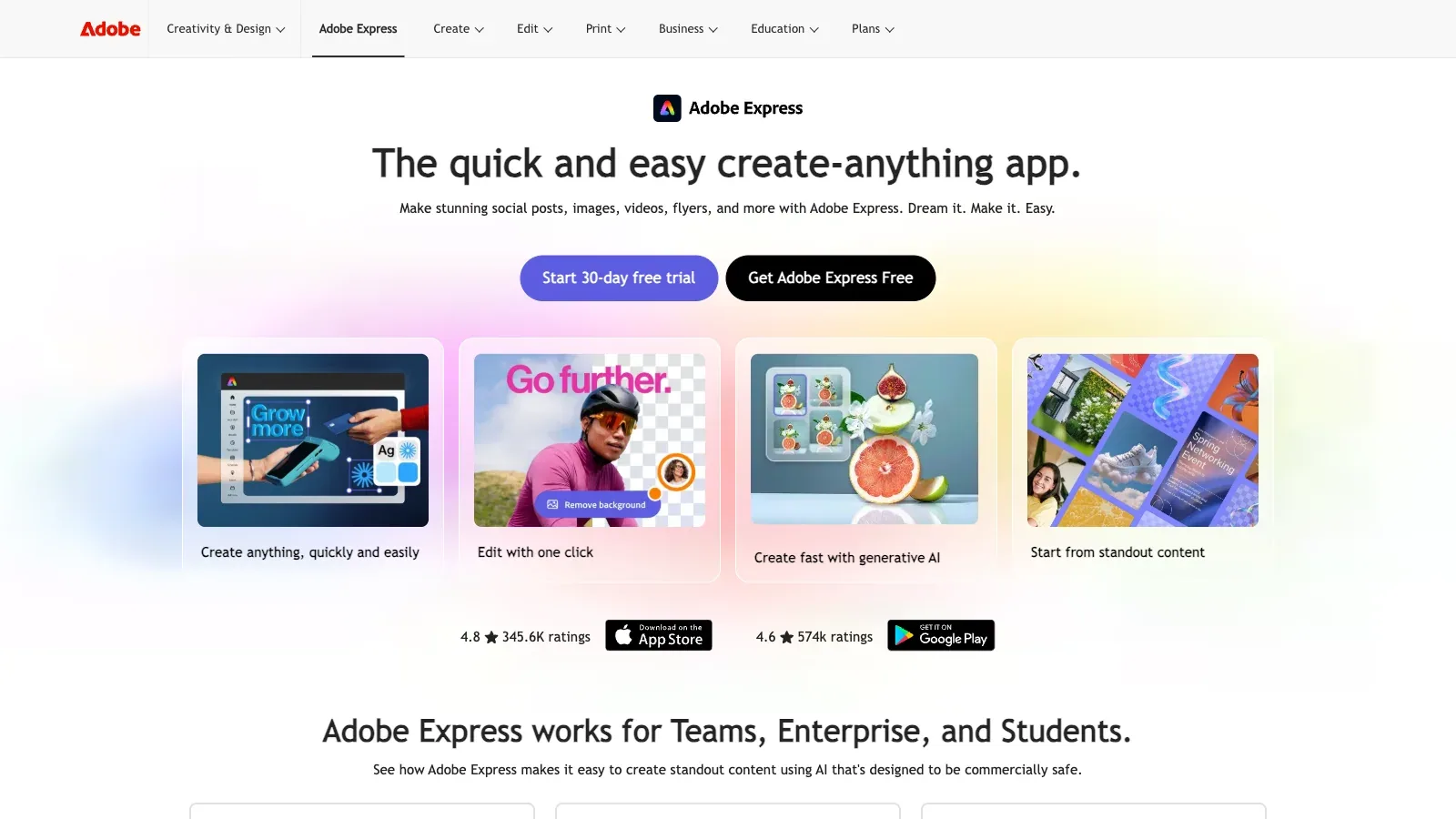
Adobe Express is an AI tool for writing tasks. A browser and mobile design editor that generates presentations from prompts or source files, then supports slide editing, visual assets, and common export formats.
- Free
- Price unverified
- Custom pricing
Features
Adobe Express turns prompts or supported source documents into presentations, and lets you edit outlines, slides, layouts, images, and backgrounds before export.
- Add a prompt or source files
- Generate a presentation from a topic or idea and add source material in PDF, DOCX, PPTX, TXT, RTF, XLS, VTT, or web-link format.
- Review the outline and slides
- Review, edit, and reorder the generated outline before creating slides, then change the content, design, and layout in Adobe Express.
- Export or present
- Download a presentation as PDF, JPG, or PowerPoint, or present it directly from Adobe Express.
- Replace a background
- Remove the background from an uploaded image, then add a free Adobe Express background, an Adobe Stock image, a solid color, or your own image.
- Describe a new scene
- The Generate Image tool can create a new background from a text description after the original background is removed.
- Finish the design
- Continue in the Adobe Express editor to add templates, fonts, icons, logos, colors, and other design elements before downloading.
Pricing
Free
For basic content creation with limited generative AI credits and assets.
- Basic photo, video, and document editing
- Limited generative AI credits
- 100,000+ static and video templates
- 5 GB storage
Premium
For individuals who need premium assets, brand tools, resizing, and a larger generative AI allowance.
- 250 generative credits per month per user
- Premium templates and Adobe Stock assets
- One-click Resize
- Brand kits
- 100 GB storage
Adobe Firefly Pro
For Express design work plus generative image, video, and audio tools.
- Adobe Express Premium
- 4,000 monthly generative credits
- Unlimited standard image generations
Creative Cloud Pro
For individuals who need Adobe Express Premium with Adobe's broader set of creative applications.
- Adobe Express Premium features
- 4,000 generative credits per month
- More than 20 Creative Cloud applications
- Acrobat Pro and advanced PDF features
Adobe Express Teams
For organizations that need shared brand assets, co-editing, and centralized license management.
- 250 generative credits per month
- Shared brand templates and libraries
- 1 TB pooled storage per user
- 180-day version history
Adobe Express Enterprise
For larger organizations that need enterprise controls, managed access, and sales-assisted purchasing.
- Generative credits starting at 250 per month
- Enterprise administration and asset controls
- 1 TB pooled storage per user
- Contact sales for purchasing
Limits
AI presentation generation is limited to English and French and unavailable for K–12 accounts. It accepts up to 10 source documents totaling 150 pages, and PPTX export omits videos, animations, audio, and speaker notes.
- Check language and account access
- Generate presentation is available in English and French and is unavailable for K–12 accounts.
- Stay within source limits
- A generation can use up to 10 source documents with a combined limit of 150 pages.
- Review the PowerPoint export
- PowerPoint export can change fonts and omits videos, animations, audio, and presenter notes from the Adobe Express presentation.
- Use a clear subject
- The background changer accepts JPEG, JPG, PNG, or WebP files up to 40 MB and works best when the uploaded image has a clear, unobstructed subject.
FAQ
Can Adobe Express build a presentation from my files?
Generate a presentation from a topic or idea and add source material in PDF, DOCX, PPTX, TXT, RTF, XLS, VTT, or web-link format.
Can I change the outline before slides are generated?
Review, edit, and reorder the generated outline before creating slides, then change the content, design, and layout in Adobe Express.
Which languages are supported for presentation generation?
Generate presentation is available in English and French and is unavailable for K–12 accounts.
How much source material can I add?
A generation can use up to 10 source documents with a combined limit of 150 pages.
What should I check after exporting to PowerPoint?
PowerPoint export can change fonts and omits videos, animations, audio, and presenter notes from the Adobe Express presentation.
What can replace the original background?
Remove the background from an uploaded image, then add a free Adobe Express background, an Adobe Stock image, a solid color, or your own image.
The Generate Image tool can create a new background from a text description after the original background is removed.
Can I turn the edited photo into a listing graphic?
Continue in the Adobe Express editor to add templates, fonts, icons, logos, colors, and other design elements before downloading.
Which image files can I upload?
The background changer accepts JPEG, JPG, PNG, or WebP files up to 40 MB and works best when the uploaded image has a clear, unobstructed subject.
Scenarios


Alternatives

Canva
A browser-based design editor for generating presentation drafts, editing layouts and media, applying brand elements, and producing other visual content.

Adobe Photoshop
Edit and composite images with selections, layers, and generative tools that replace selected areas or extend the canvas.

Beautiful.ai
Build an editable presentation from a prompt, outline, file, or link, with a reviewable outline and Smart Slide layouts that adapt as content changes.

Claid
Create product scenes from uploaded photos, control placement or reference a background, then edit, resize, and download images in the browser.

Flair.ai
Stage product photos with drag-and-drop props and backgrounds, generate scenes, and refine the results with AI editing tools.

Gamma
Turn a prompt, outline, or existing document into an editable presentation, then revise it in a visual editor and export it to common slide formats.