
Best AI Tools for Meeting Transcription in 2026
Compare 10 tools and produce a timestamped transcript checked for names, terms and speakers.
Explore the guide
From a permitted meeting recording and participant names to a reviewable result.
Maya: I can send the draft on Friday.
Action item
Send the draft
Leo: We still need to decide who reviews it.
Open question
Who reviews the draft?
Team: Keep the existing launch date for now.
Decision
Keep the existing launch date.
Illustrative example, not a product run or measured result.
The reviewer is still unknown. Do not turn a discussion about ownership into an invented assignment.
10 tools. Find your starting point.
Start with a recording or another language

Otter.ai
Start with a recording or imported conversation, then turn the transcript into a reviewed checked transcript.

MeetGeek
Process live calls and recordings you already have, then collect highlights and actions in one place.

Notta
Start with transcription and translation when language support is part of the meeting task.
Work in your notes and documents
Share highlights and revisit team context

Fathom
Review a call summary and share the moments that explain a decision without sending the entire recording.

Fireflies.ai
Build a searchable meeting library and connect the reviewed checked transcript to your team’s other tools.

Read AI
Find meeting context alongside broader workplace search when a recap is only the start of the question.
Move checked transcripts into team workflows
Compare what changes your decision.
10 tools for meeting transcription · official sources rechecked September 16, 2026
| Tool | Workflow fit | Input | Capture setup | Output & review | Access & cost | Practical limit | Data & sharing |
|---|---|---|---|---|---|---|---|
| Otter.ai | Recording to reviewed checked transcript. | Audio or video imports, including MP3, WAV and MP4. | Otter app or supported meeting integrations. | Transcripts, summaries and transcript segments. | Free Basic and paid plans; usage allowances vary. | Imports are limited to 5 GB per file and subject to plan allowances. | Not assessed — confirm before choosing. |
 Notion Notion | Meeting transcription beside Notion project docs. | Live capture or audio upload; MP4 video uploads are not supported. | Desktop captures system audio and mic; browser capture is mic-only. | Meeting summaries with transcript citations. | Business or Enterprise; eligible mobile subscriptions may qualify. | Browser or mobile capture may miss remote voices when using headphones. | Not assessed — confirm before choosing. |
| Fireflies.ai | A searchable, shared meeting library. | Live meetings and uploaded audio or video. | Meeting bot, desktop app, mobile app and Chrome extension options. | Transcripts, AI summaries and searchable meeting records. | Free and paid plans; summary access, storage and AI credits vary. | Free-plan AI summaries and storage are limited. | Custom retention and private storage are listed for Enterprise. |
| Fathom | Recaps and selected call highlights. | Meetings on Zoom, Google Meet and Microsoft Teams. | Bot capture or bot-free capture; bot-free is a Mac beta. | Transcripts and instant summaries; advanced summaries and AI transcript segments are paid features. | Free individual plan, Premium and paid team plans. | Team and Business plans have a two-user minimum. | Enterprise lists custom retention, SSO and SCIM. |
 tl;dv tl;dv | Checked transcript tasks and customer records. | Team meetings and recorded conversation context. | The official product offers a no-bot recording option. | Meeting insights, transcript segments and draft checked transcript emails. | A free entry plan is advertised; paid entitlements require confirmation. | Not assessed — confirm before choosing. | Meeting insights can be sent into connected team apps. |
 Granola Granola | Your rough notes, enriched by meeting context. | Your typed notes plus meeting audio. | Uses computer audio without inviting a meeting bot. | Enhanced notes, transcript segments and checked transcripts informed by meeting context. | Free Basic and paid Business and Enterprise plans. | Basic provides only limited meeting history. | Notes are private by default and can be shared intentionally. |
| Read AI | Meeting context within workplace search. | Zoom, Teams and Google Meet meetings. | Add Read Assistant to a supported meeting. | Transcripts, summaries, search and meeting metrics. | Free includes five meeting transcripts per month; paid plans expand access. | File upload credits and premium integrations depend on plan. | Managed workspaces require paid licenses. |
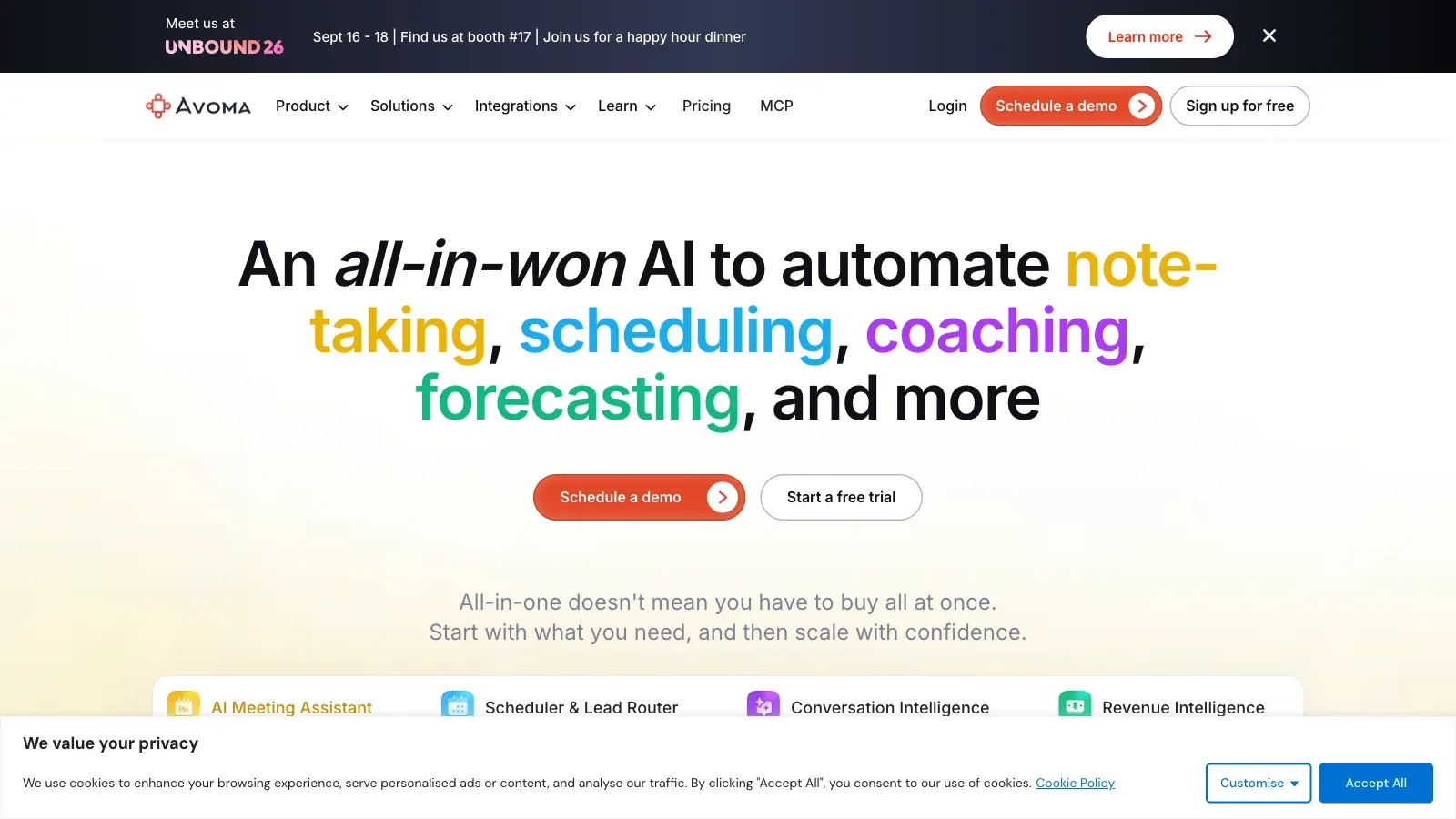
 Avoma Avoma | Customer-call handoffs and CRM updates. | Meetings on Zoom, Teams, Google Meet and other supported conferencing services. | Bot-based and bot-less native recording are listed. | Transcripts, summary notes, checked transcript email drafts and CRM note updates. | Paid recorder seats, free viewer seats and a 14-day trial. | Conversation and revenue intelligence are separate add-ons. | Enterprise lists access controls, SSO and retention policies. |
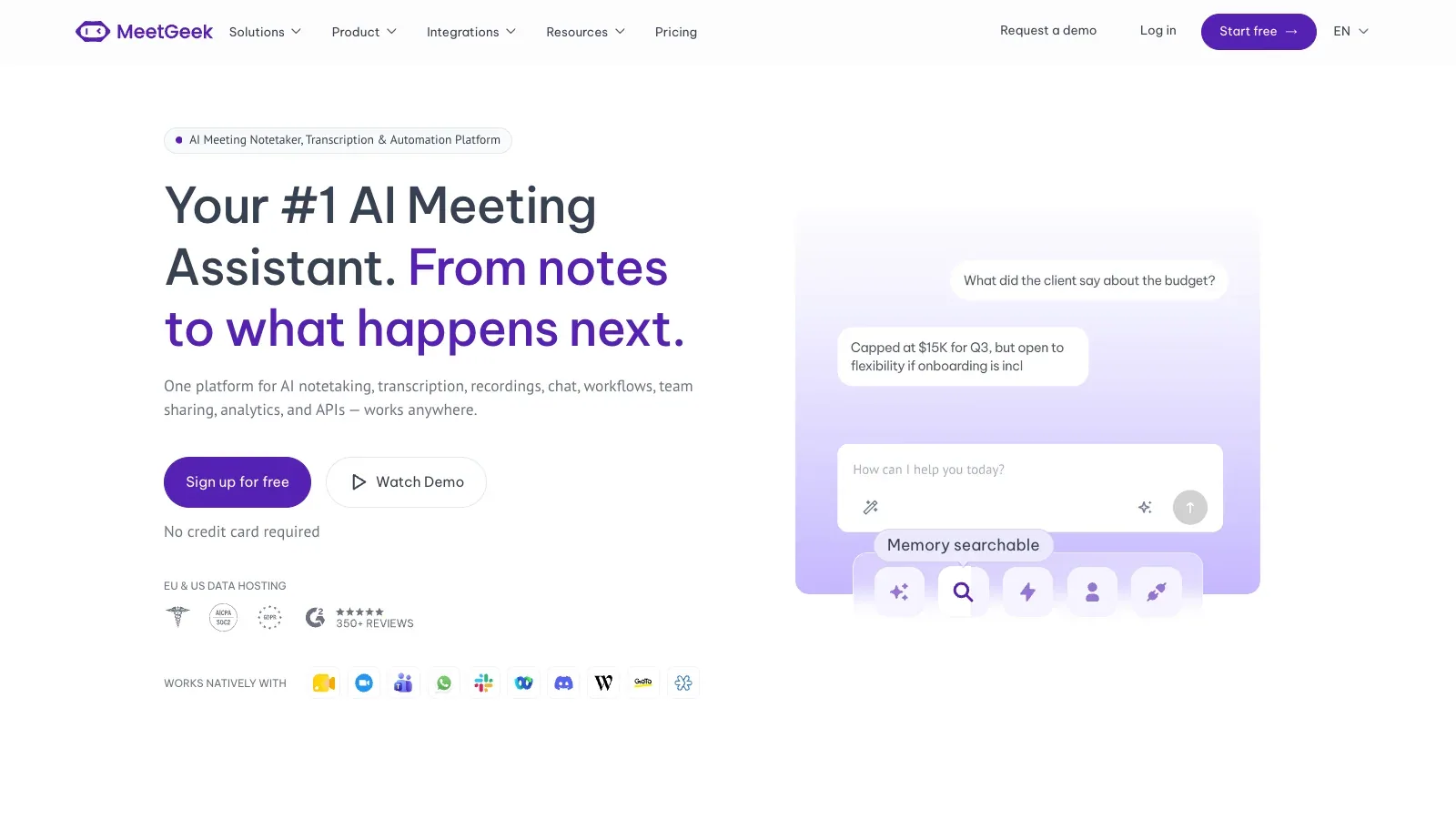
| MeetGeek | One workflow for live calls and existing files. | Live meetings or uploaded audio and video files. | Meeting recording, browser extension and desktop no-bot options. | Transcripts, summaries, highlights and transcript segments. | Free Basic and paid Pro, Business and Enterprise plans. | Basic limits transcription hours and transcript/audio storage periods. | Sharing and organization controls vary by plan. |
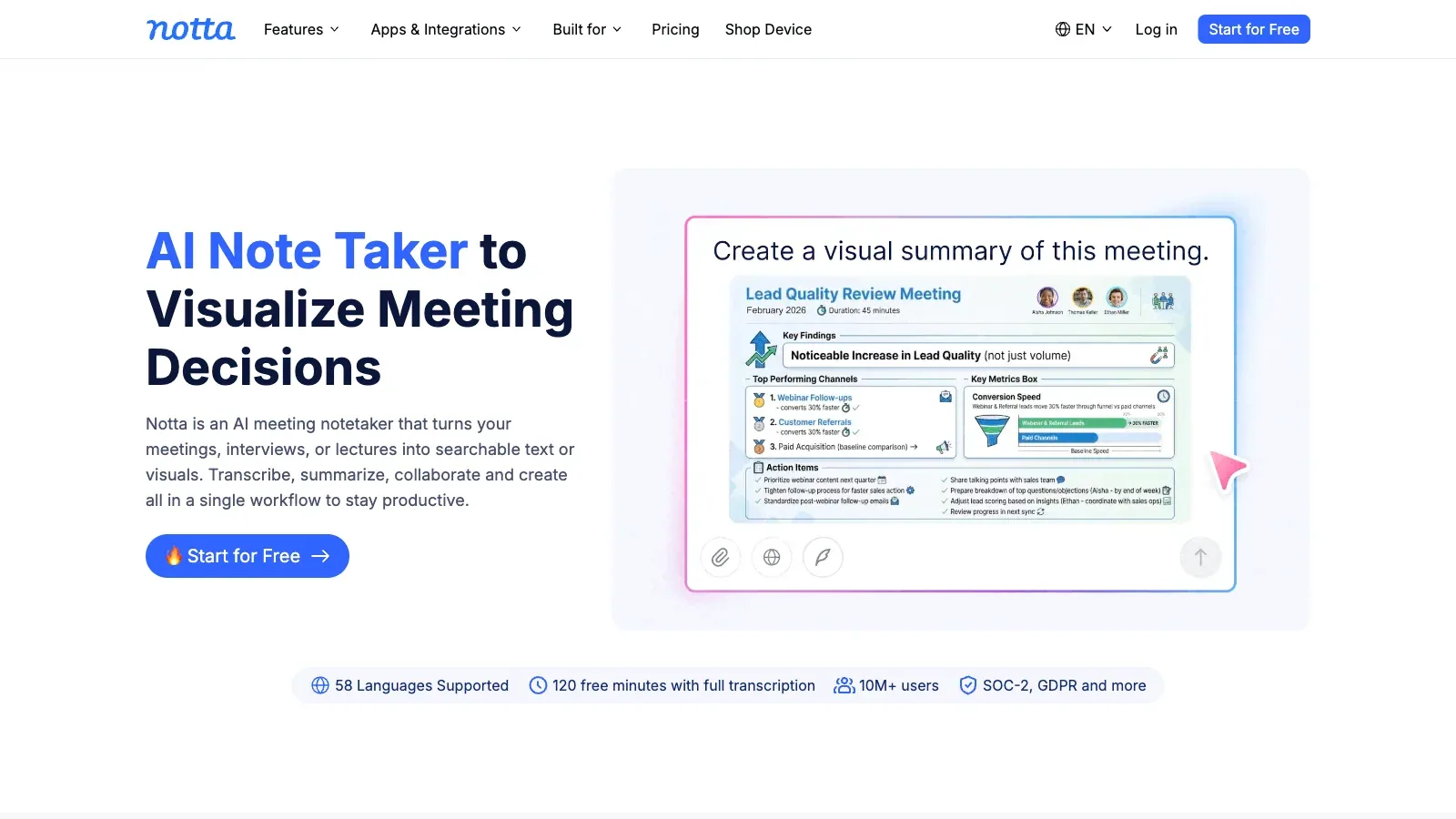
| Notta | Transcription with translation needs. | Online or in-person meetings and imported files. | Web, desktop, mobile and Chrome extension options. | Transcription, translation and AI-generated meeting summaries. | Free, Pro, Business and Enterprise plans. | Transcription, AI summary and bilingual usage allowances vary. | Sharing, export and workspace capabilities vary by plan. |
A closer look at 10 tools.
Otter.ai
- Free
- $8.33/user/month
- $19.99/user/month
- Custom pricing
- Choose it when
- You want a dedicated capture-to-checked transcript workspace, separate from the documents where the team works.
- Think twice when
- Another workspace means deciding where the final actions should live. Avoid leaving two competing versions of the notes.
- Before you start
- Check recording length, import allowance and the names in the first transcript.
Notion
- Free
- £8.5/member/month
- £16.5/member/month
- Custom pricing
- Choose it when
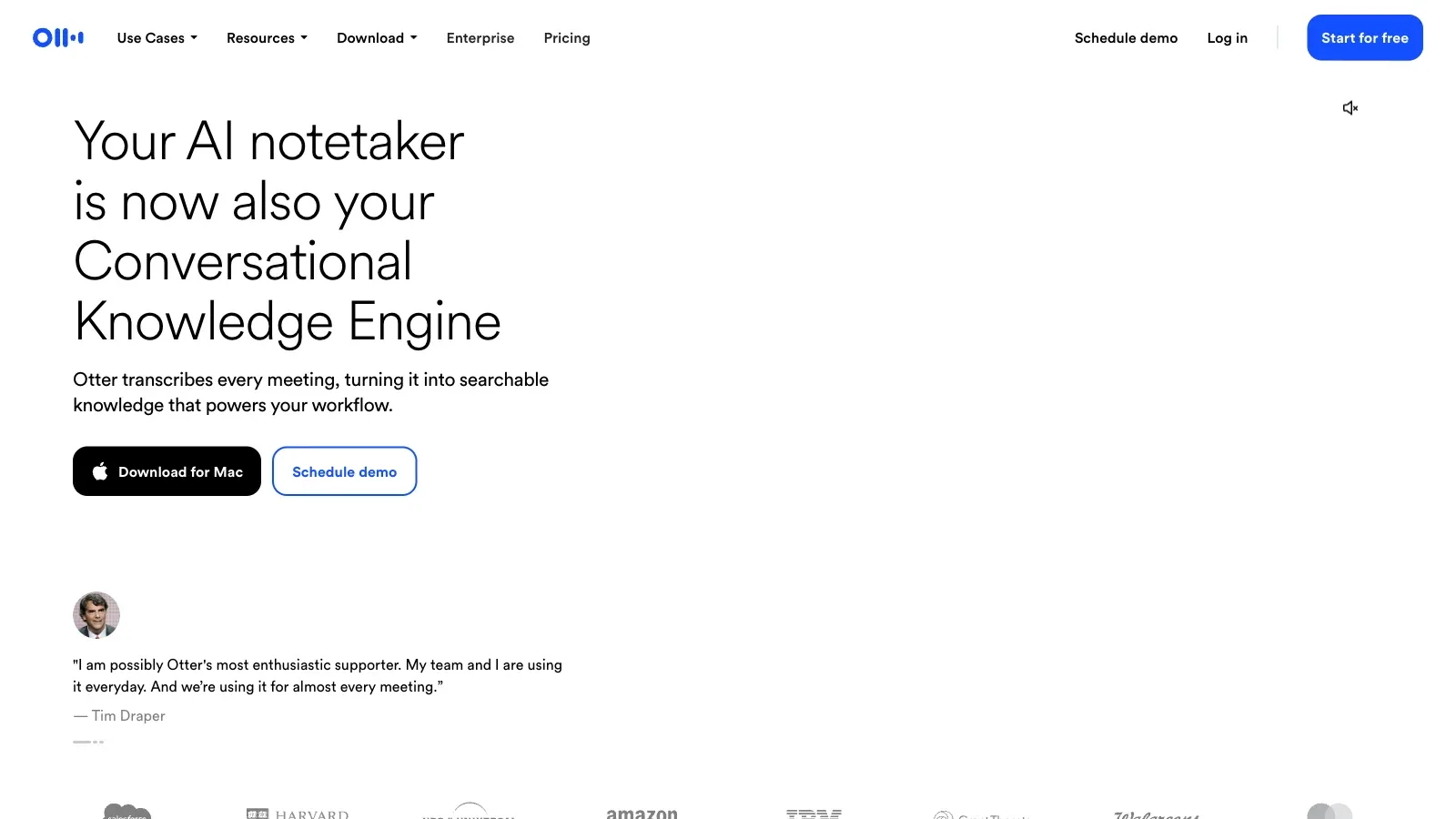
- Your team already uses Notion and has eligible AI meeting-note access.
- Think twice when
- Changing the whole team’s workspace just for meeting transcription adds unnecessary work. Check the capture setup first.
- Before you start
- Test whether both sides of a remote call are captured, especially when using headphones.
Fireflies.ai
- Free
- $10/seat/month
- $19/seat/month
- $39/seat/month
- Choose it when
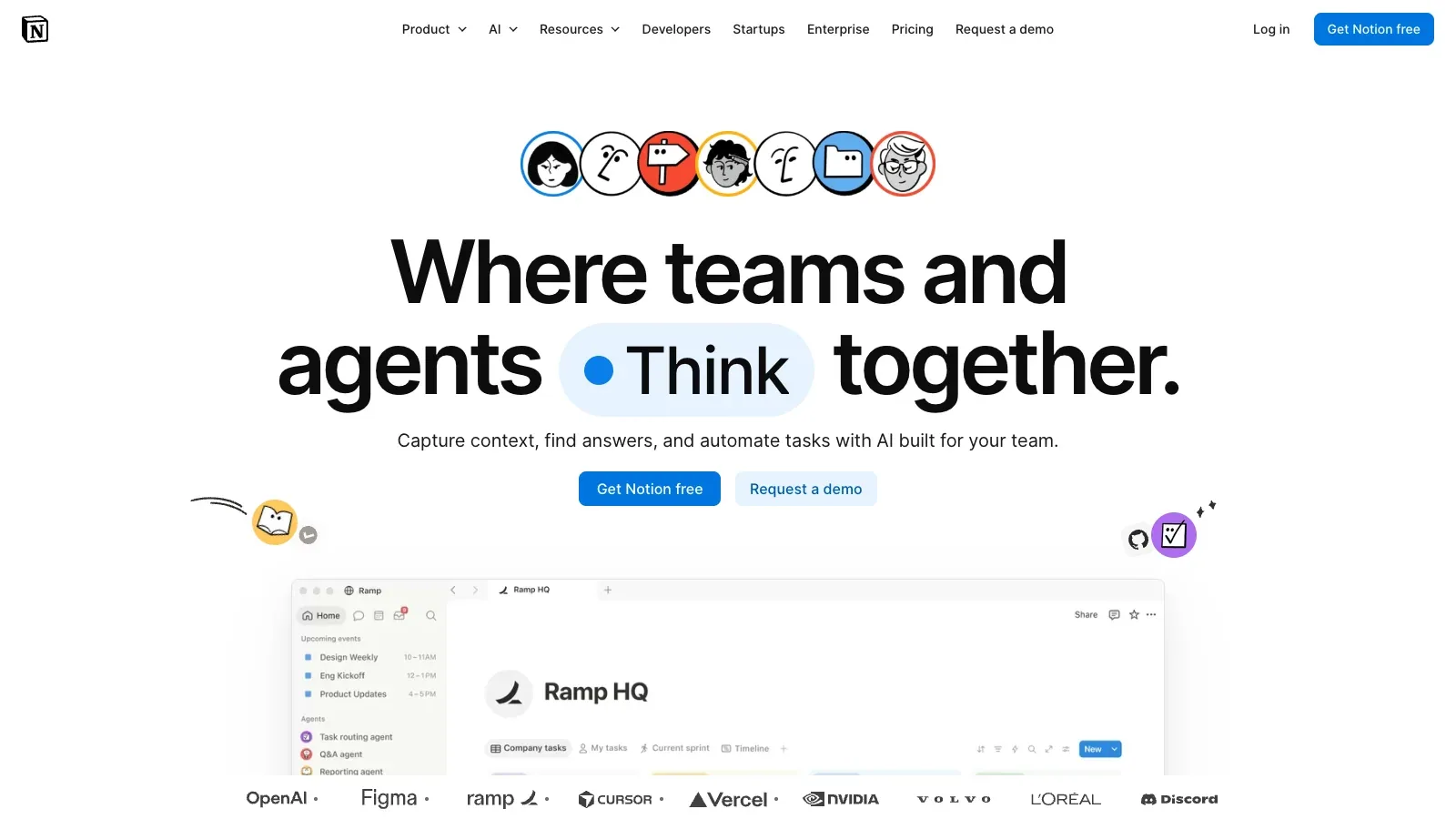
- Several people need to revisit conversations and reuse their context across connected work tools.
- Think twice when
- A shared library needs deliberate access and auto-join rules; a large transcript archive is not itself a useful handoff.
- Before you start
- Review which meetings are captured automatically, who receives the recap and which AI features consume credits.
Fathom
- Free
- $16/user/month
- $15/user/month
- $25/user/month
- Custom pricing
- Choose it when
- Your next step is a concise recap or a few selected highlights for someone who missed the call.
- Think twice when
- Do not assume every summary or action-item feature is part of the free plan. Team setup has separate requirements.
- Before you start
- Confirm your capture mode, plan entitlements and permissions on the highlight you intend to share.
tl;dv
- Free
- Price unverified
- Choose it when
- Meetings repeatedly produce updates that belong in the same team apps or customer records.
- Think twice when
- Automation can spread a mistaken summary. Review destination fields and draft messages before enabling routine updates.
- Before you start
- Validate the recording mode on your device and test one connected destination with non-sensitive sample notes.
Granola
- Free
- $14/active member/month
- $35/active member/month
- Choose it when
- You prefer a personal notepad during the conversation and want clearer notes afterward.
- Think twice when
- A bot-free workflow still needs permission and correct audio capture. Personal notes need an explicit sharing step.
- Before you start
- Confirm microphone and system-audio access, available meeting history and who can open a shared note.
Read AI
- Free
- $15/user/month
- $22.5/user/month
- $29.75/user/month
- Choose it when
- You need to revisit discussions and search related context, rather than only download a transcript.
- Think twice when
- Extra analytics and search connections broaden the evaluation. A team that only needs a short recap may not need them.
- Before you start
- Inspect Assistant participation, connected data sources and report recipients before your first real meeting.
Avoma
- $19/recorder seat/month
- $29/recorder seat/month
- $39/recorder seat/month
- Choose it when
- Customer-facing calls need a consistent handoff into CRM records and checked transcript email drafts.
- Think twice when
- Sales coaching and revenue workflows can be excessive for an occasional internal sync; check separate add-on costs.
- Before you start
- Map one sample call to the correct customer record and confirm the distinction between recorder and viewer seats.
MeetGeek
- Free
- $9.99/user/month
- $17/user/month
- Custom pricing
- Choose it when
- Your meeting material arrives from different sources and you want a common transcript-and-summary workflow.
- Think twice when
- The original recording and its transcript may have different storage windows. Plan how reviewed records will be kept.
- Before you start
- Test one live capture and one existing file; check export access and storage limits before relying on an archive.
Notta
- Free
- $8.17/account/month
- $16.67/seat/month
- Custom pricing
- Choose it when
- You need to evaluate a multilingual conversation or turn an existing recording into an editable transcript.
- Think twice when
- Supported languages do not guarantee correct names, terminology or mixed-language accuracy in your own recording.
- Before you start
- Try your actual language pair and technical vocabulary; check separate transcription, summary and translation quotas.
To test your shortlist, use the same short, permitted sample in two or three tools. Compare missed speaker turns, incorrect owners and dates, and the edits needed before sharing.
How to turn a transcript into transcript segments.
Capture and generate a first draft
After consent and access checks, capture or import the meeting in your chosen tool. Keep the original material available while you review its summary.
Separate the record
Split speaker turns, actions and open questions. They are not interchangeable.
Confirm owners and dates
Ask the relevant person to resolve missing fields. Convert relative dates only after confirming the meeting date.
Link back to context
Keep enough context for a teammate to check what was actually agreed.
Review recipients
Share only with the intended audience after checking confidential details.
A meeting checked transcript template to make your own.
Copy this structure into your notes. Fill in only what was agreed; leave missing owners and dates explicit.
Meeting: [title and date]

DECISIONS
- [What was agreed, with context]

ACTION ITEMS
- Task: [specific next step]
  Owner: [confirmed name, or unassigned]
  Due: [confirmed calendar date, or not agreed]

OPEN QUESTIONS
- [What still needs a decision]

SOURCE
- [Link to the permitted meeting record]
Before you share
A few things worth clarifying.
Which meeting setup should I choose?
Start with how you already meet: a live call, an existing recording, or notes in your workspace. Use the comparison table to check capture setup and language support, then test two or three candidates with the same short sample.
Can I share the AI summary without editing it?
Check speaker turns, names, owners and dates against the original record. Keep unanswered questions and unassigned work visible; an inferred commitment still needs confirmation.
Should I keep the full transcript?
Keep what your team needs and is permitted to retain. Check who can access the recording, transcript and shared notes before uploading or sharing them.
What should I check for multilingual meetings?
Check support for the languages your team actually speaks, including language switching within one meeting. Test a short sample with your team’s accents and terminology, and check transcription separately from summary translation.
Do I need a separate tool for recording and organizing notes?
Start with one tool that fits your meeting setup. Add a second only when your team needs the reviewed notes in an existing workspace. Check the export or integration first so you do not create extra copying and cleanup work.
Sources
Official product pages used to support the comparison above.
- Otter.ai · Input, Output & review, Practical limit
- Otter.ai · Capture setup, Access & cost
- Notion · Input, Capture setup, Output & review, Access & cost, Practical limit
- Fireflies.ai · Input, Capture setup, Output & review
- Fireflies.ai · Access & cost, Practical limit, Data & sharing
- Fathom · Input
- Fathom · Capture setup, Output & review, Access & cost, Practical limit, Data & sharing
- tl;dv · Input, Capture setup, Output & review, Access & cost, Data & sharing
- Granola · Input, Capture setup, Output & review, Data & sharing
- Granola · Access & cost, Practical limit
- Read AI · Input, Capture setup, Output & review, Access & cost, Practical limit, Data & sharing
- Avoma · Input, Capture setup, Output & review, Access & cost, Practical limit, Data & sharing
- MeetGeek · Input, Output & review
- MeetGeek · Capture setup, Access & cost, Practical limit, Data & sharing
- Notta · Input, Capture setup
- Notta · Output & review, Access & cost, Practical limit, Data & sharing