


MeetGeek
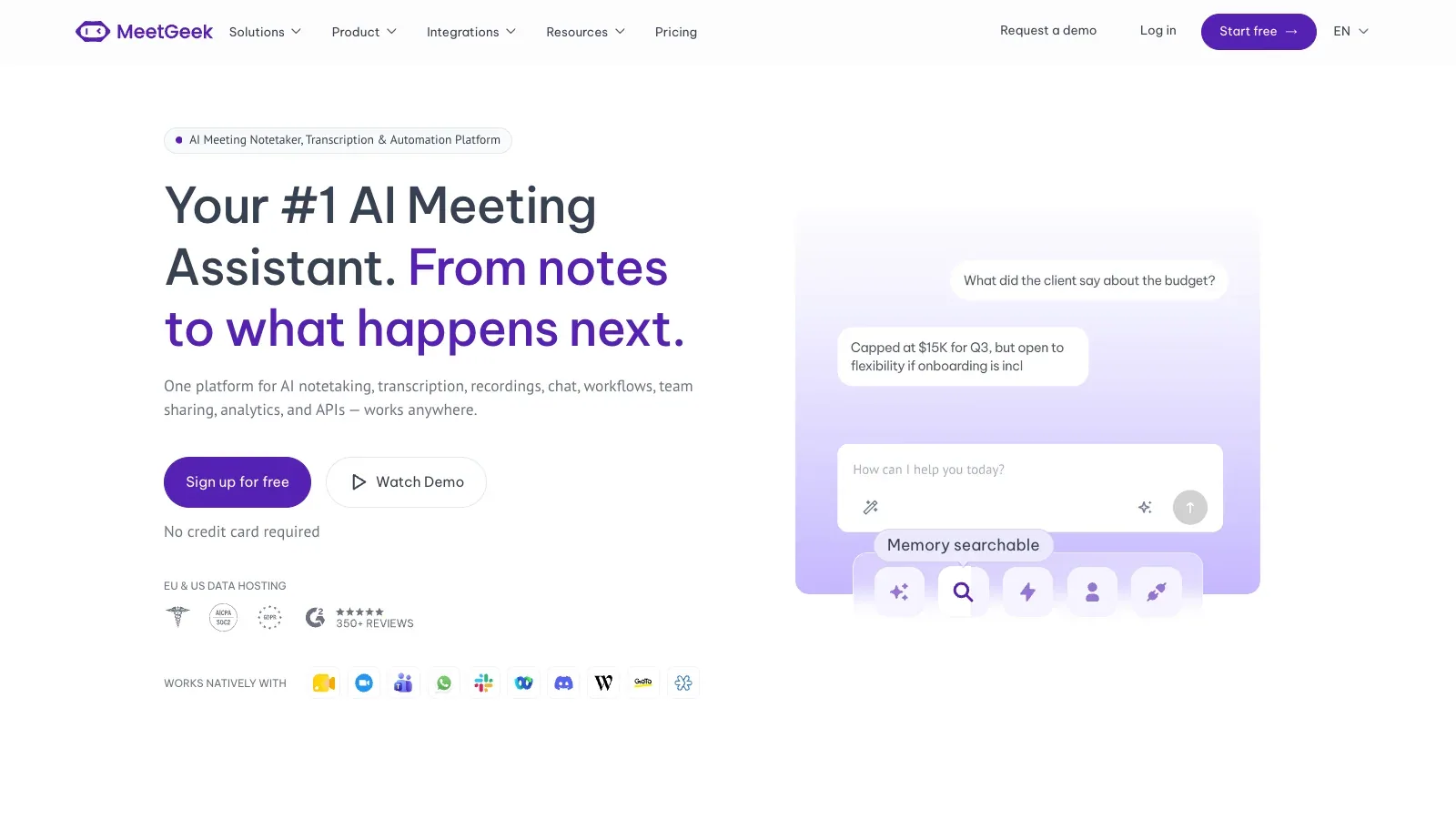
MeetGeek is an AI tool for productivity tasks. Capture meetings with or without a bot, then review transcripts, summaries, action items and team analytics.
- Free
- $9.99/user/month
- $17/user/month
- Custom pricing
Features
MeetGeek captures meetings with or without a bot, then supplies transcripts, summaries, action items, team spaces, analytics, and workflow automation.
- Input
- Live Zoom, Google Meet and Microsoft Teams calls, plus uploaded audio or video files.
- Capture setup
- Record with the MeetGeek bot or use the Chrome extension and desktop app for no-bot capture. Mobile apps support recording and review on the go.
- Output & review
- Produces transcripts, AI summaries, highlights, action items, meeting analytics and searchable chat across meetings.
- Platforms & languages
- Supports Zoom, Google Meet and Teams through bot or no-bot capture, with mobile apps and automatic language detection. MeetGeek advertises more than 100 languages.
- Integrations
- Pro includes unlimited integrations plus Zapier, Make and n8n. API and MCP access are also listed.
Pricing
MeetGeek has Basic, Pro, Business, and Enterprise plans. Transcription hours, retention, integrations, and team controls increase through the tiers.
Basic
For light meeting capture and evaluation.
- Three transcription hours per month
- Three months of transcript storage
- One month of audio storage
Pro
For regular individual use and connected workflows.
- 20 transcription hours per month
- One year of transcript storage
- Unlimited integrations and workflow automation
Business
For frequent meetings and shared team workflows.
- Unlimited transcription and transcript storage
- Team spaces, analytics and auto-sharing
- Private meetings by default
Enterprise
For organization-wide governance and deployment options.
- SSO and SCIM
- Custom or zero-retention policies
- On-premise storage options
Limits
Basic and Pro meetings are capped at two hours. Basic stores transcripts for three months and audio for one month; Pro extends those windows.
- Practical limit
- Basic and Pro meetings are limited to two hours. Basic retains transcripts for three months and audio for one month; Pro retains them for one year and six months respectively.
- Data & sharing
- Business adds team spaces, auto-sharing, comments and private meetings by default. Enterprise adds SSO, SCIM and custom or zero-retention policies.
FAQ
How does MeetGeek capture meetings?
Live Zoom, Google Meet and Microsoft Teams calls, plus uploaded audio or video files.
Record with the MeetGeek bot or use the Chrome extension and desktop app for no-bot capture. Mobile apps support recording and review on the go.
What does MeetGeek produce?
Produces transcripts, AI summaries, highlights, action items, meeting analytics and searchable chat across meetings.
What do MeetGeek Basic and Pro include?
Basic is free with three transcription hours per month. Pro costs $9.99 per user per month and includes 20 transcription hours.
Basic and Pro meetings are limited to two hours. Basic retains transcripts for three months and audio for one month; Pro retains them for one year and six months respectively.
Which platforms, languages and integrations are supported?
Supports Zoom, Google Meet and Teams through bot or no-bot capture, with mobile apps and automatic language detection. MeetGeek advertises more than 100 languages.
Pro includes unlimited integrations plus Zapier, Make and n8n. API and MCP access are also listed.
What team and enterprise controls are available?
Business adds team spaces, auto-sharing, comments and private meetings by default. Enterprise adds SSO, SCIM and custom or zero-retention policies.
Scenarios


Alternatives

Avoma
Turn customer calls into transcripts, structured notes, follow-up emails and CRM updates, with optional coaching and revenue add-ons.

Fathom
Record Zoom, Google Meet or Teams calls, then review searchable transcripts, summaries, clips and follow-up actions.

Fireflies.ai
Capture live meetings or uploaded recordings, then search transcripts, summaries and action items across a team workspace.

Granola
Capture meetings without a bot, combine the transcript with your own notes, and prepare actions or follow-up emails from the result.

Notion
Notion organizes documents, project databases, and meeting notes in a shared workspace, with AI for drafting, editing, and finding information across connected sources.

Notta
Transcribe meetings and uploaded media across 58 languages, then create summaries, action items and shareable visual outputs.